
Upgrading to iOS 27? Try these 2 things first
The new photo editing tools and Siri AI will both make you appreciate the new 27 software right away.

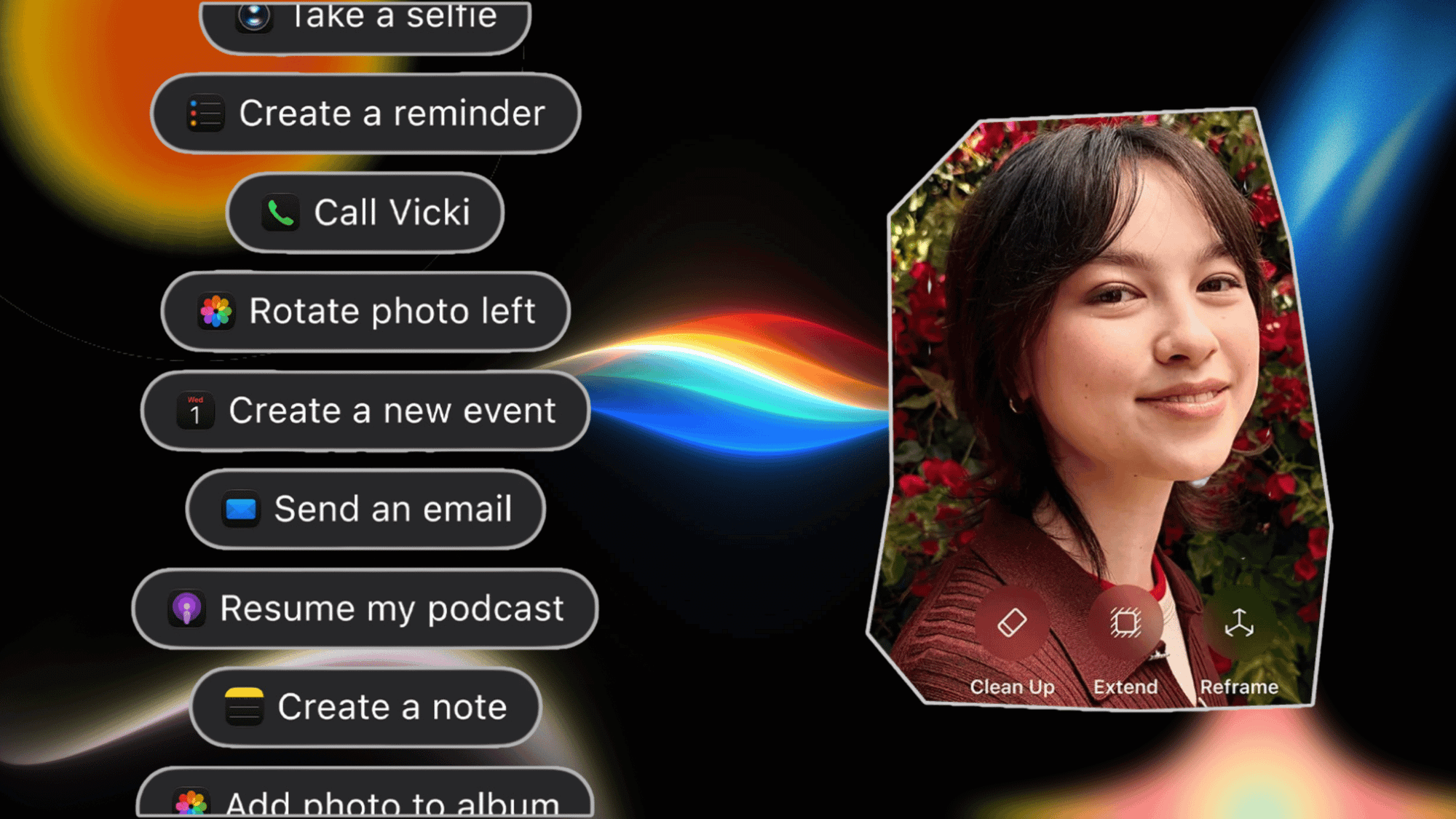
Apple’s new iOS 27 iPhone software update is more about fixing bugs, smoothing out rough spots, and minor quality-of-life improvements than adding dozens of standout features. When I first installed the software, I was left a little underwhelmed by how much seemed the same.
Of course, the appearance is only half the story. Under the hood, apps will launch faster, Wi-Fi transitions to cellular better, photos load quicker, and Safari uses less battery. I’m glad these things are part of this year’s update, but they’re hard to appreciate immediately.
So, if you’re itching to try some new features, like I was, then start with the editing tools in Photos and Siri AI.
Not only should most people be blown away by how much Siri has improved in general, but the assistant is now helpful in all kinds of new ways that go way beyond what it could do before. The Apple Intelligence photo editing tools might also leave people stunned now that they can extend photos and do a much better job removing unwanted artifacts. Start exploring these two features first.
Photo editing is a whole new ballgame in iOS 27

If you have a phone capable of Apple Intelligence, you can extend photos, clean up unwanted parts, and reframe shots.
To start, open Photos, select a picture, and then tap on the three-line settings icon.
Select Tools with the Apple Intelligence icon.
I’ve found the Clean Up and Extend features to be the most useful. Sometimes I need a different aspect ratio, either taller or wider, and this is one way to do that quickly. The results I’ve seen so far are good, but aren’t always perfect. For the times I just need a little bit more area on the sides, it works great. When you try to extend the image too far, that’s when you get some odd results.
If you’ve tried Clean Up in iOS 26, then you should be pleasantly surprised by how much better the object removal is in iOS 27. Sometimes it can take longer to render the final image, but I’ve seen much more realistic results.
You have to try Siri AI for things you might not have previously

I think most people will be surprised by how much Siri AI eclipses the previous Siri. If you have a phone that supports the new digital assistant, you should start building muscle memory to take advantage of everything it can do.
One of the most significant changes is that Siri AI can see your screen when you ask it to. So, if you’re looking at an email with several to-dos, you can trigger Siri and ask it to “add these to Reminders.” It can do things with text in Messages and other apps too.
Infamously, you can’t select text in Instagram’s description box. But now you’ll be able to ask Siri to “copy this post’s text and add it to a note.” Or copy a URL and open it in Safari.
So far, my biggest problem with Siri AI is that I forget to use it. The sooner you get in the habit of using it to do things across different apps, the faster it will be more useful.