
I gave my home its own AI server. The results were more useful than I expected
After spending more time with Ugreen’s HomeAgent HA100, I found its ability to organize my photos and manage my cameras especially useful.

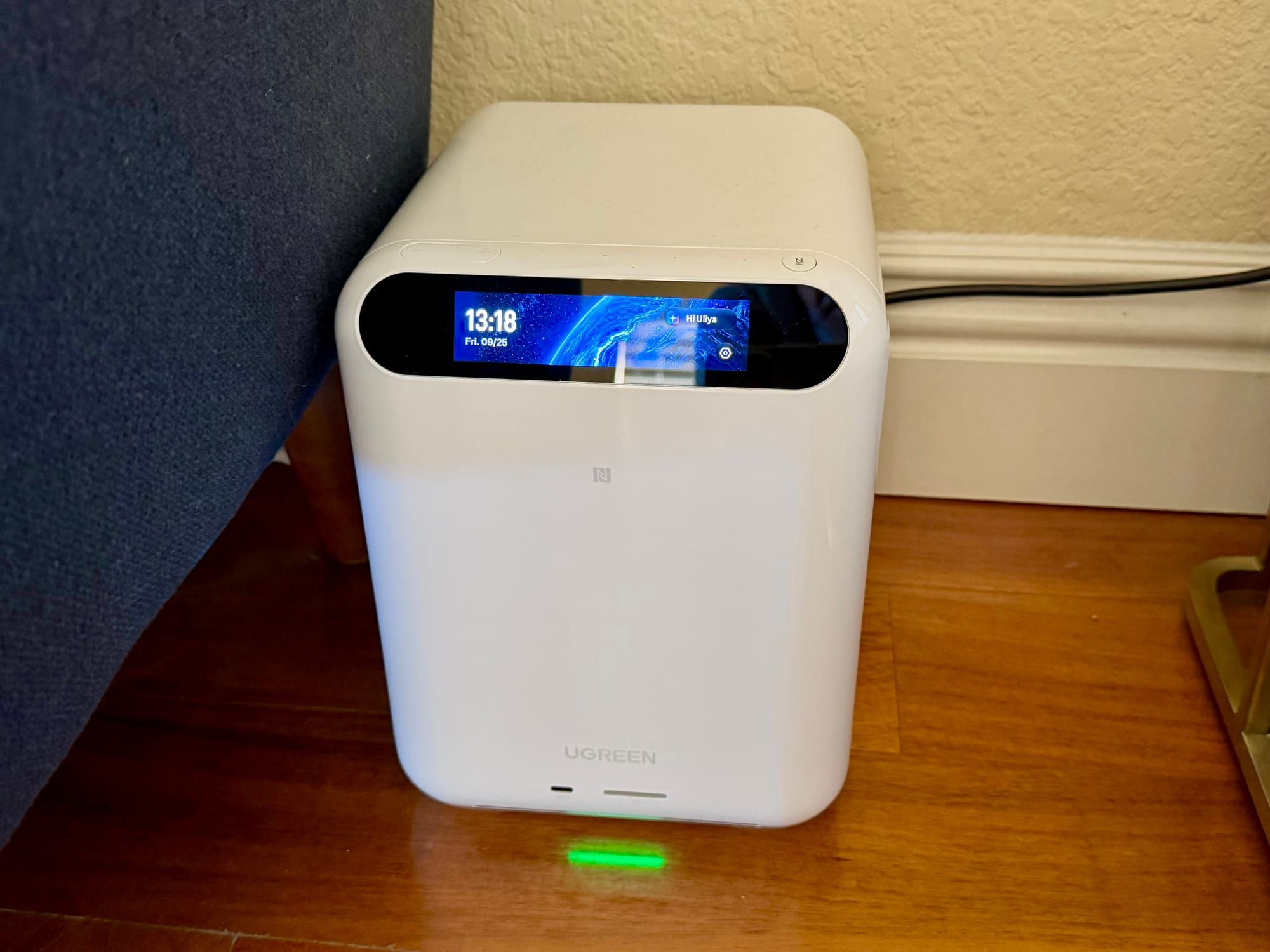
The Ugreen HomeAgent HA100 is a new take on the home server. It’s a dedicated device for personal storage, security camera footage, and processing AI requests. Even though the device is still in its pre-order phase, I’ve already been using it to manage security cameras, smart home devices, and as a backup destination for photos and documents.
Developers and tinkers will have a field day with the HA100. It seems like a must-buy for those types of enthusiasts since it’s a powerful device with far-reaching capabilities. But what about more general users? Can they benefit from a local AI server?
I’ve been asking those questions for myself. Even though I have some of the technical knowledge and interest, I also like to keep things simple when it comes to my smart home. After all, there are other people living here who have to use the home products.
My initial experiences with the HA100 were good, but limited. Now that I’ve spent more time with it, I have a few more thoughts on its purpose and function.
The HA100 has some interesting potential for photo libraries
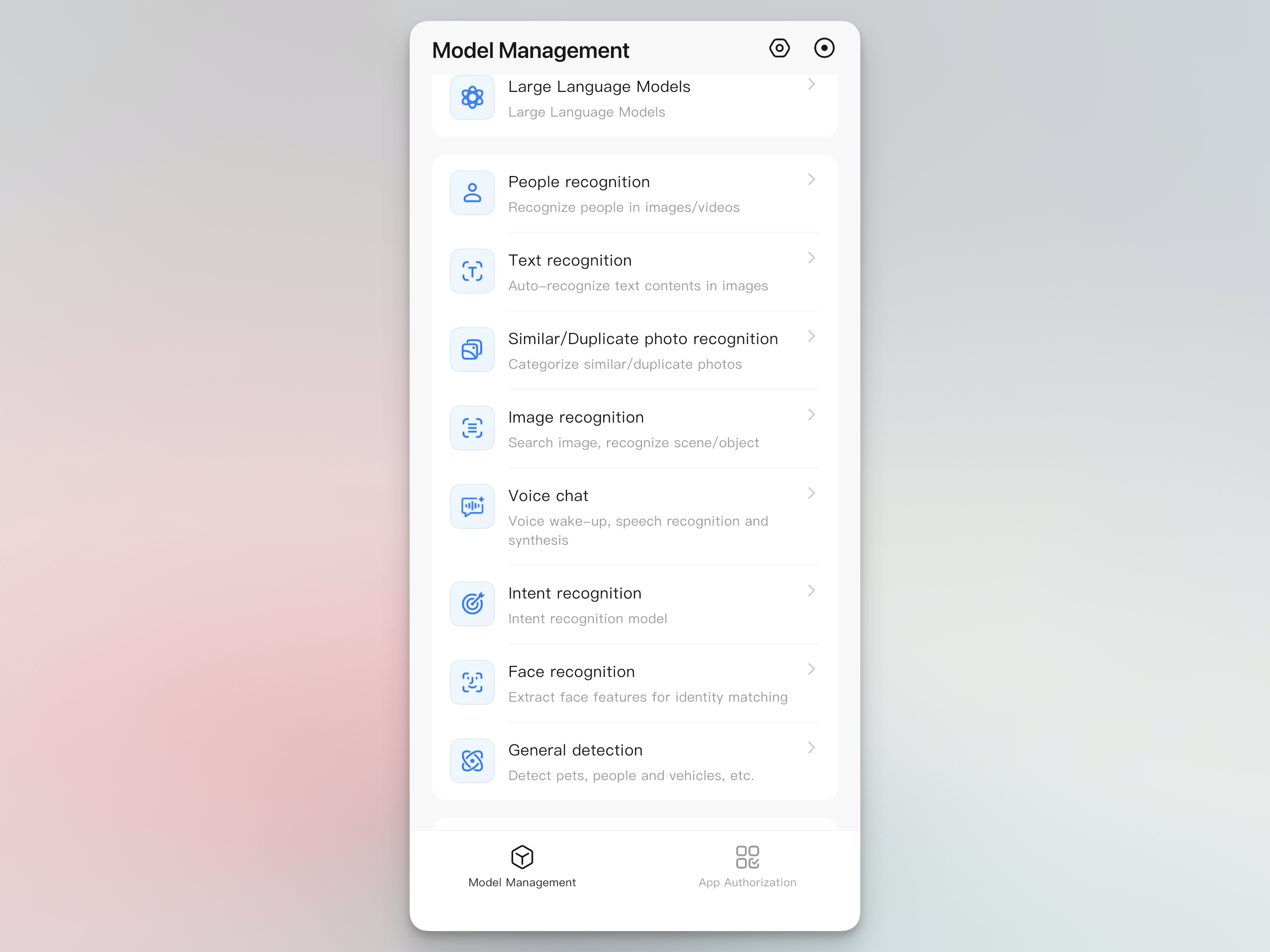
Since I first set up the HA100, I’ve been most interested in two things: video camera storage and photo storage. Using the drive as a local surveillance archive has been very straightforward.
After setting up the Ugreen camera, I’ve seen that it can work just like Nest or Arlo cameras that I’ve used in the past. The big difference is that none of the footage is going to Google or Arlo. I can still check in on the cameras remotely, from anywhere on my phone. I still get notifications about events. With AI models running on the HA100, I can even get pet identification and person recognition.
But this is where the photo library and security cameras overlap. Once you are backing up your photos to the HA100, you can use the people recognition from your photos to inform your security camera—while staying private.
The AI photo categorization of my photos has been remarkably fast and accurate. It sorted them into albums like mountains, seaside, and food because a lot of my first photos were from trips where those were distinct identifiers. But when I searched for “groups,” it quickly pulled in photos with crowds and groups of people.
So far, I’ve been impressed with my backup photo library. Even niceties like Apple’s Live Photos still play as expected.
Using voice control for local files feels futuristic
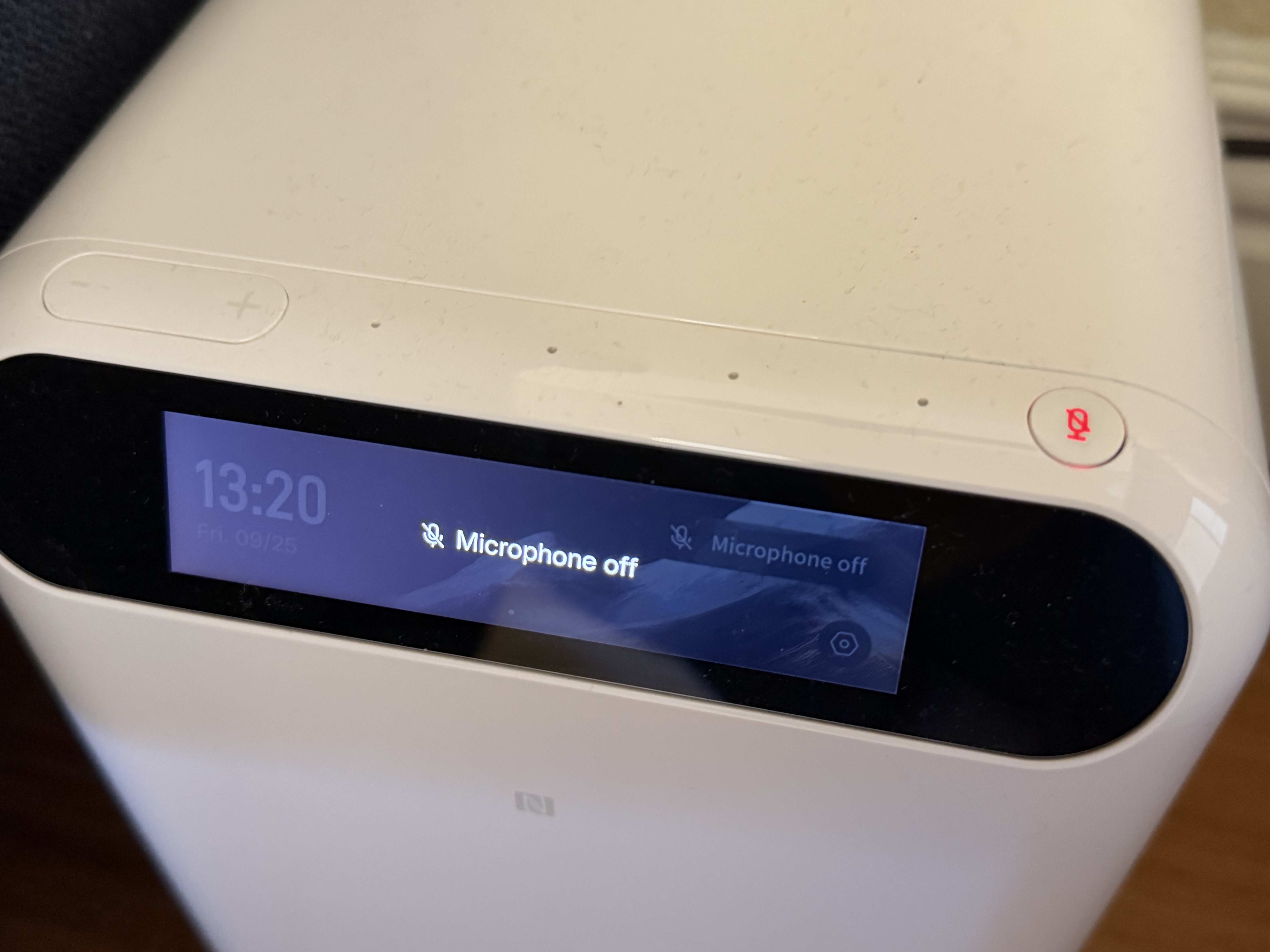
Now that I’ve had more time with the HA100, I’ve started using its voice control feature. The unit has a four-mic array on the front, so it acts just like an Echo or HomePod. It can answer questions about your security cameras, photos, or smart home products.
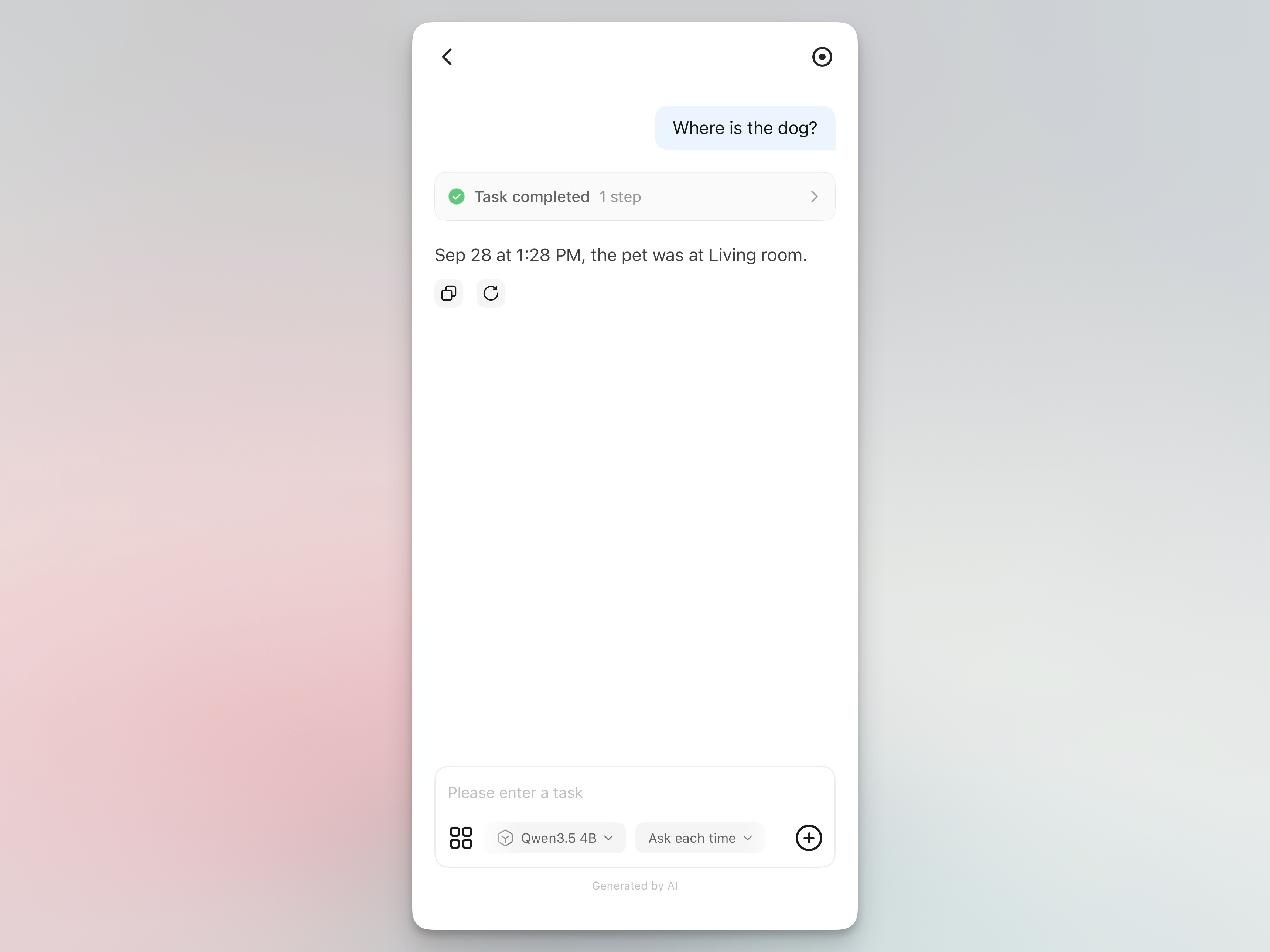
For example, I asked it the last time a pet was seen, and it answered with the day and time.
There are a few things to be aware of if you plan to use the voice feature heavily. The main thing is that you’ll need to place the unit in a central area where it’s likely to hear you. I have mine on the ground, hidden behind a couch. It listens and hears me much better than I thought it would. But in its current location, I do have to be in the same room to activate it.
To address this, Ugreen does have a smart speaker. That’s an additional purchase, but it will put voice control into any room you want it.
The other main consideration is that voice control is aimed at the data you’re storing locally. If you want voice-activated music playback, then you’ll need to store songs on the HA100. The same thing is true for pictures or other media types.
I wasn’t crazy about the “Hi, Uliya” wake word at first. It has gotten easier to remember and use over time. I do appreciate that there’s a physical microphone mute button on the device. I don’t need to search through the app to toggle the mic on and off. It’s a simple press of a button whenever I don’t want it listening.
What the HA100 means for the future of home AI servers
The vision for the HomeAgent HA100 is twofold. On one hand, you probably don’t want to pay for cloud storage for every device, all the time. The cost of losts of cameras can add up. You also don’t want other companies looking at and processing your home footage if they don’t need to. Those are big reasons to take control of where your data is stored.
The other side of the coin is being able to use your own data, already backed up, to power your own productivity. You’re storing the faces of people you probably want to identify in and around your home. It’s great that your cameras instantly know about the people you know—in your library. It can also do text recognition, object detection, and all kinds of other identification.
I’m not crazy about AI that’s used for content creation. I am more bullish on it as a tool for organizing and assisting with your own data. That’s exactly what the Ugreen HA100 does.
The HA100 retails for $1,799 when it goes on sale in a few months. However, you can lock in an $899 price for a $50 deposit right now.