
I almost gave up on 3D printers until this $500 model changed my mind
The Elegoo Centauri Carbon 2 made 3D printing much easier than I expected.

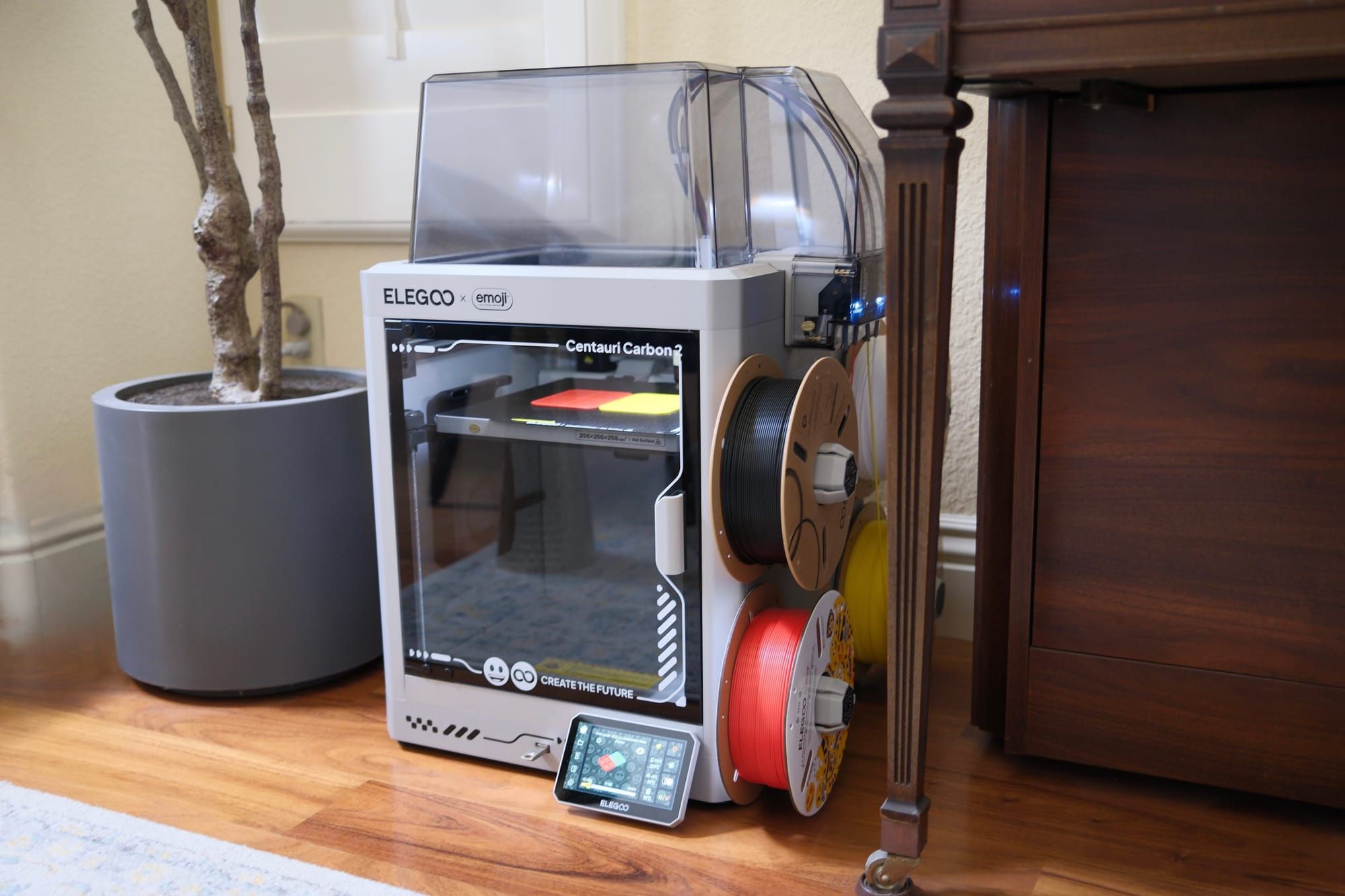
I tried a couple of basic 3D printers a few years ago and was struck by how complicated they were. There was an unexpected hurdle at every turn. And for the work I put in, I didn’t get much value. I ignored the space for a while and started to assume that 3D printers were only for enthusiasts and those in the engineering field. So, when I got the Elegoo Centauri Carbon 2 to test, I was skeptical of it.
To my surprise, 3D printers have come a long way in recent years. The Centauri Carbon 2 can hold up to four spools of filament and change colors mid-print automatically. It has a printing area of 10 inches by 10 inches by 10 inches for larger prints. There’s even a camera inside to view progress and for the system to watch for errors.
People following this kind of tech closely won’t be surprised by any of this. But if it’s been a while since you looked into 3D printers, it might be time to look again. Not only have I found the whole thing to be much less time-consuming than before, but the Centauri Carbon 2 does it for a reasonable price, retailing for under $500.
Multi-color 3D printing is a game-changer
My early adventures with 3D printers involved units that only had a single spool of filament connected. Printing with one color is fine for a while, but it gets boring and kills some of the excitement.
Changing colors mid-print should also be a non-starter for most people. So, the Centauri Carbon 2’s four connected spools might be my favorite aspect of the printer. It automatically switches between the different colors attached as needed.
What’s even better is that this machine supports RFID-enabled filament. If you buy one with the chip inside, then you can just tap the spool to the side of the machine, and it will automatically recognize the amount, type, and color of the material.
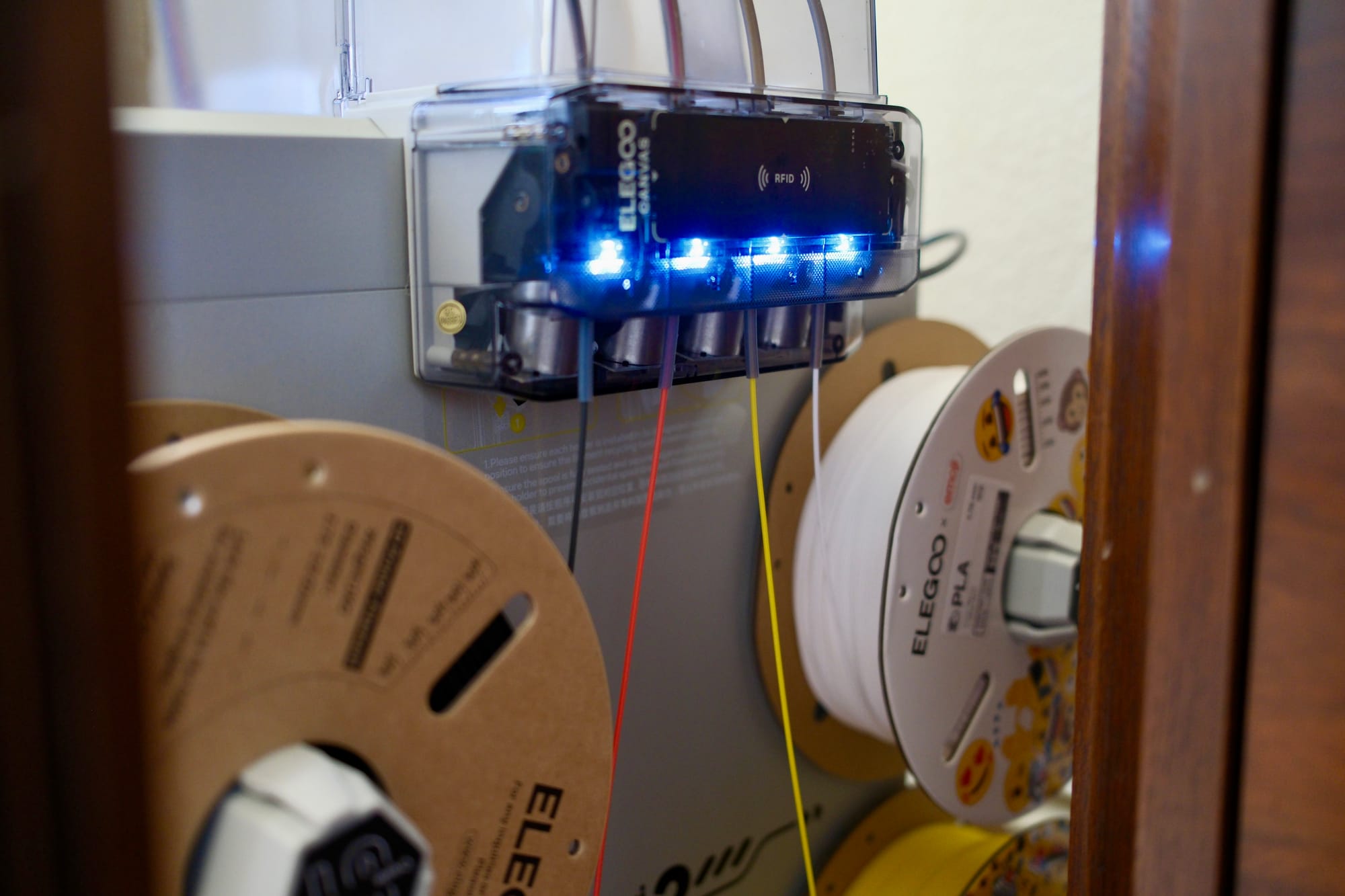
While the multiple spools are great, all the other little details add up, too. All of the leveling and adjustments happen automatically. The machine knows how hot to pre-heat, which fans need to be turned on, and all those configurations. The camera inside can be used by the system to watch for irregularities and problems that arise.
I’ve printed more than a dozen objects and have had to do very little, if any, maintenance so far. Even when I switched one of the filament spools out, the most work I had to do was physically take one off and put a new one on.
The downside to 3D printing
Although the Centauri Carbon 2 has swayed my view of 3D printing pretty quickly, it hasn’t been perfect. It takes hours to print basic objects. I’ve been using the Emoji version of the printer, and it came with emoji face models. I haven’t printed any of those yet because each one takes over 12 hours, with most taking around 20-plus hours to fully print.
The bigger, more elaborate items will take time. While the Centauri Carbon 2 isn’t exactly loud, it also isn’t silent. It’s kind of like a dishwasher or an appliance that hums along in the background. If the printer isn’t in a room you can close off, then you’ll be aware of it.
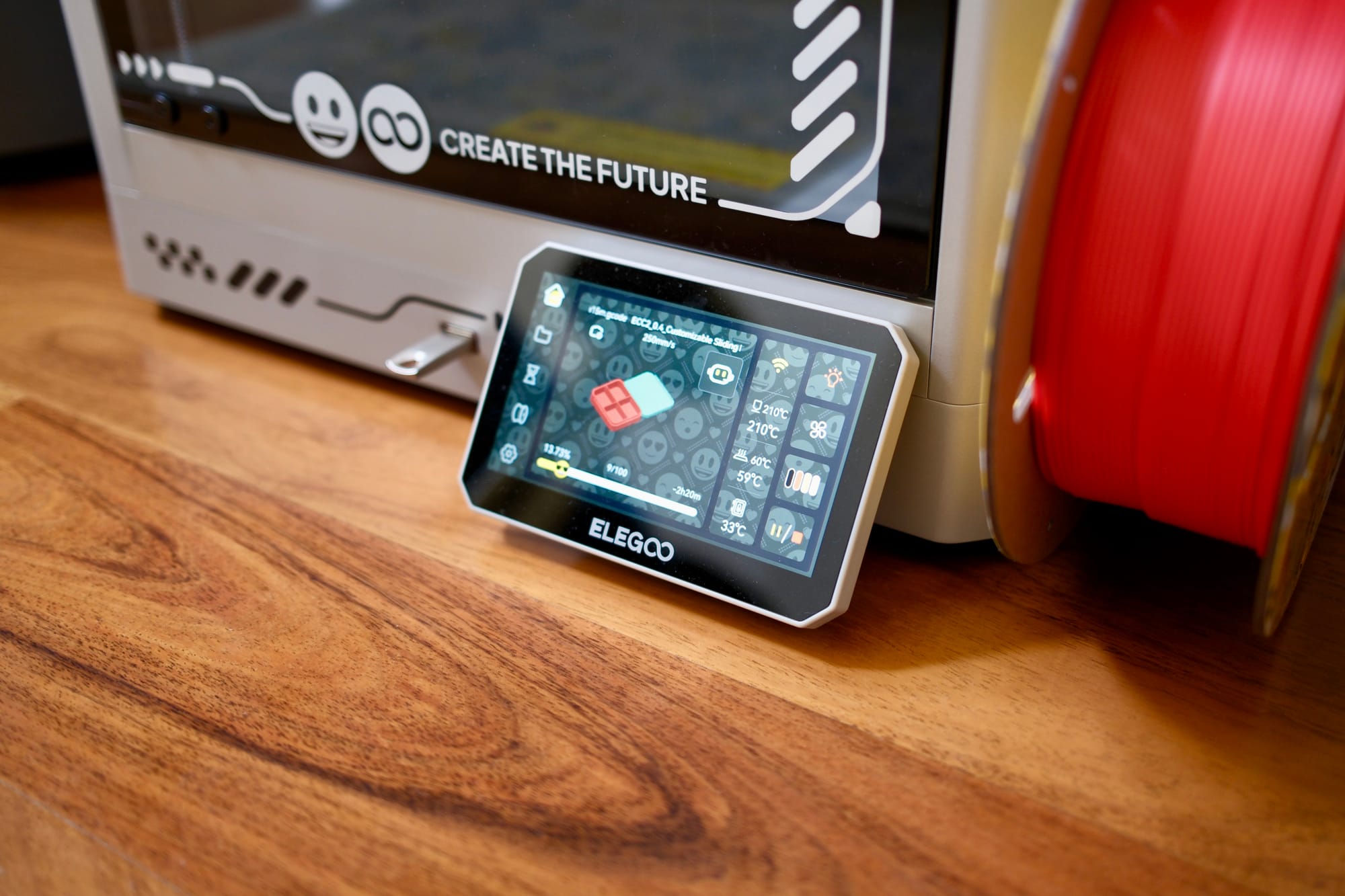
The last frontier in 3D printing is probably the object modeling or designing. Elegoo’s slicer software makes it easy to download a file and get it ready for its printer. But trying to make your own items from scratch is still an exercise in frustration for newcomers.
3D modeling is a skill that needs to be learned and practiced. I haven’t fully gone down this path yet. The good news is that among various websites, you can already find pretty much any accessory or part that you want to print. If it’s not perfect, then you at least have a starting point to try and adjust it.
I’ve found accessories for my Sonos speakers, e-readers, Apple products, and favorite sports teams. I even printed a replica World Cup red card—because why not?
Should you buy the Elegoo Centauri Carbon 2?
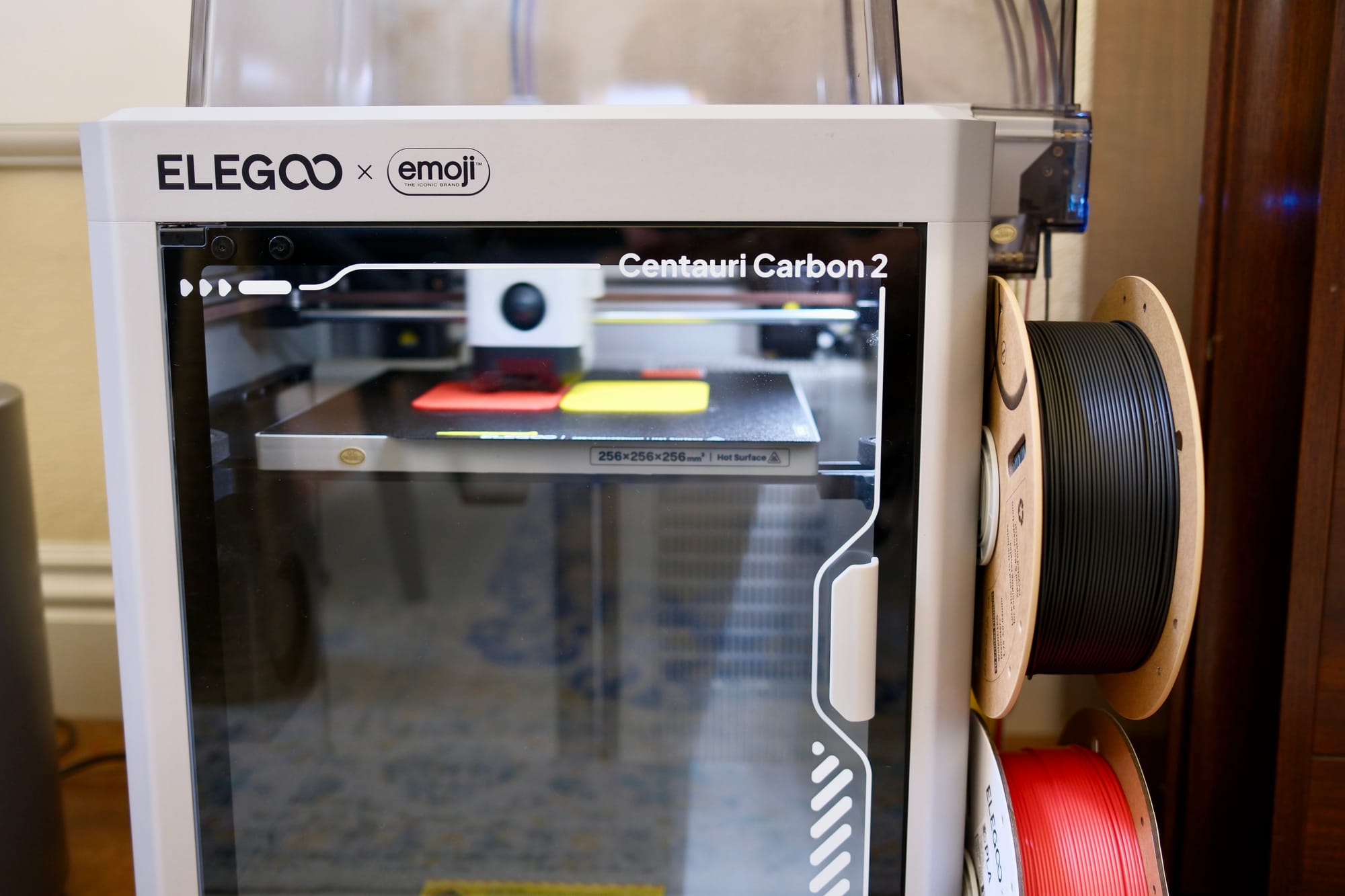
The Elegoo Centauri Carbon 2 is the first 3D printer I’ve used that I think is suitable for most people. It isn’t a dumbed-down product or limited. Instead, it has enough automatic adjustments to guide beginners into the space comfortably.
It might be tempting to spend less when getting started with a new hobby, but I wouldn’t sacrifice any of the features of the Centauri Carbon 2. There are several other 3D printers worth considering, but for under $500, the Centauri Carbon 2 is where I would start.