
Apple’s latest iPhone update is filled with changes—here are 33 you’ll notice right away
Siri AI may be the headline feature, but Apple’s latest software update also includes dozens of practical improvements to Messages, Photos, Maps, Wallet, Apple Watch, and more.

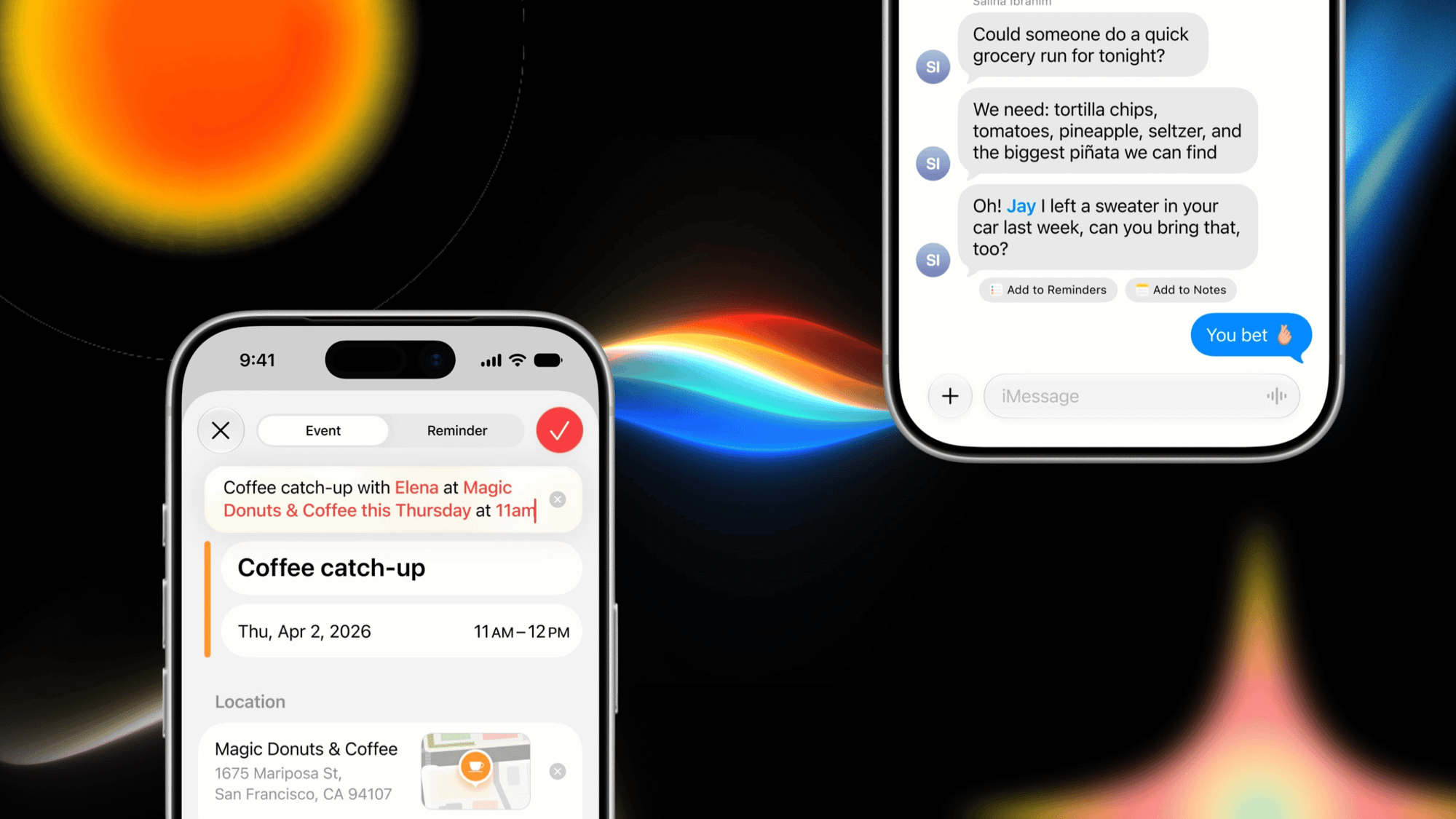
This fall, Apple is updating its software across iPhone, iPad, Mac, Apple Watch, and other devices to make big changes. From new features and design tweaks to performance optimizations, there will be upgrades to the devices you use every day.
The biggest, most significant one coming to newer iPhones is Siri AI. This is a complete overhaul of the digital assistant, which will put it on more even footing with other AI chatbots. It will be able to help you across your apps and even remember your past conversations. To do this, Apple is using Google’s models, the same ones helping to power Gemini.
I think people will need to use Siri AI in their normal lives to determine whether it can handle the tasks they give it. But there’s a lot of promise for it.
Even if Siri AI isn’t your thing, there will be lots of other little changes that can significantly improve how you use your iPhone. This is just a sampling of some of these additional features that should make it tempting to upgrade to the new suite of 27 operating systems—iOS, watchOS, iPadOS, macOS, and tvOS.
Messages
- New drawing app in Messages and Notes
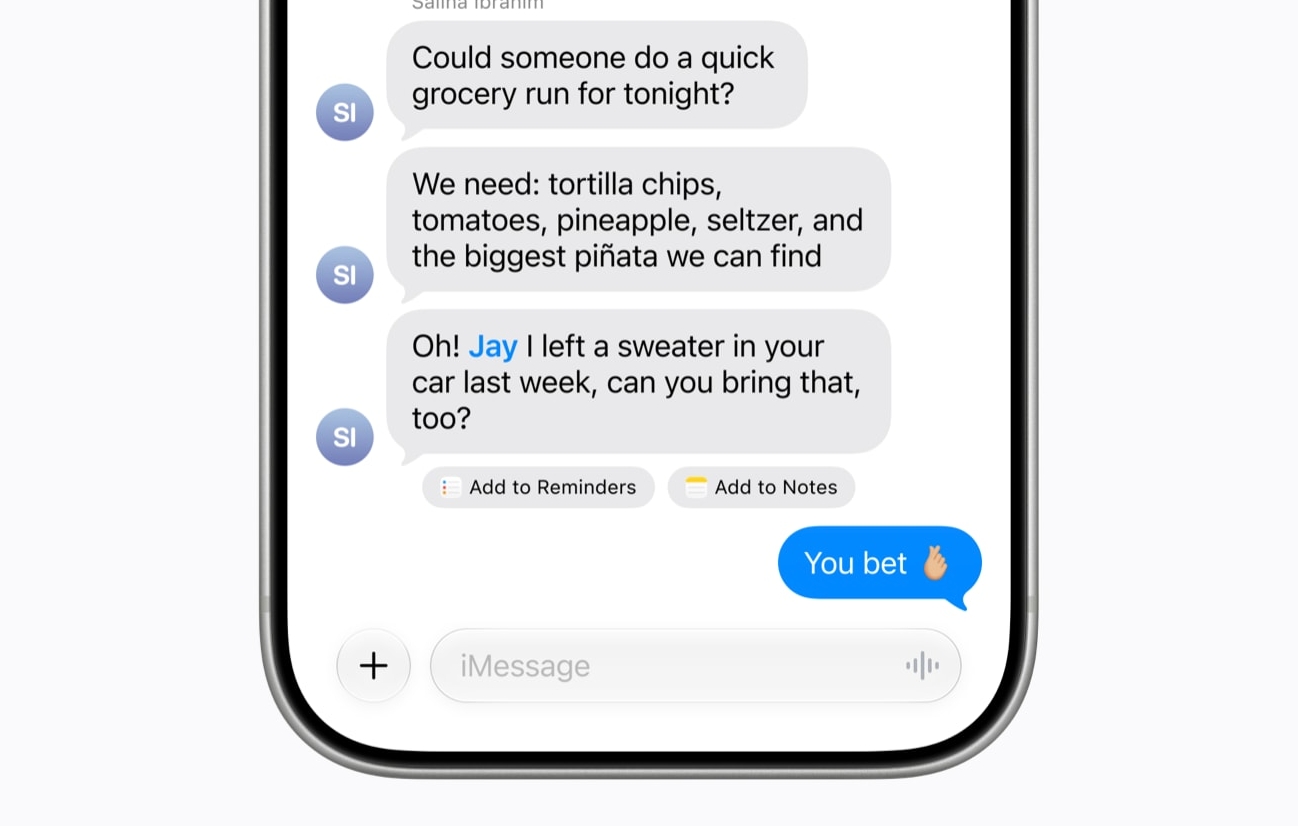
- One-tap suggestions under certain messages to take action, like add to Reminders or Notes.
- Customize the audio button to be either Record Audio, Start Dictation, or None, which will disable it.
- Get consolidated notifications for multiple tapbacks
- Messages will automatically detect and block gore or violent content for child accounts
Calendar
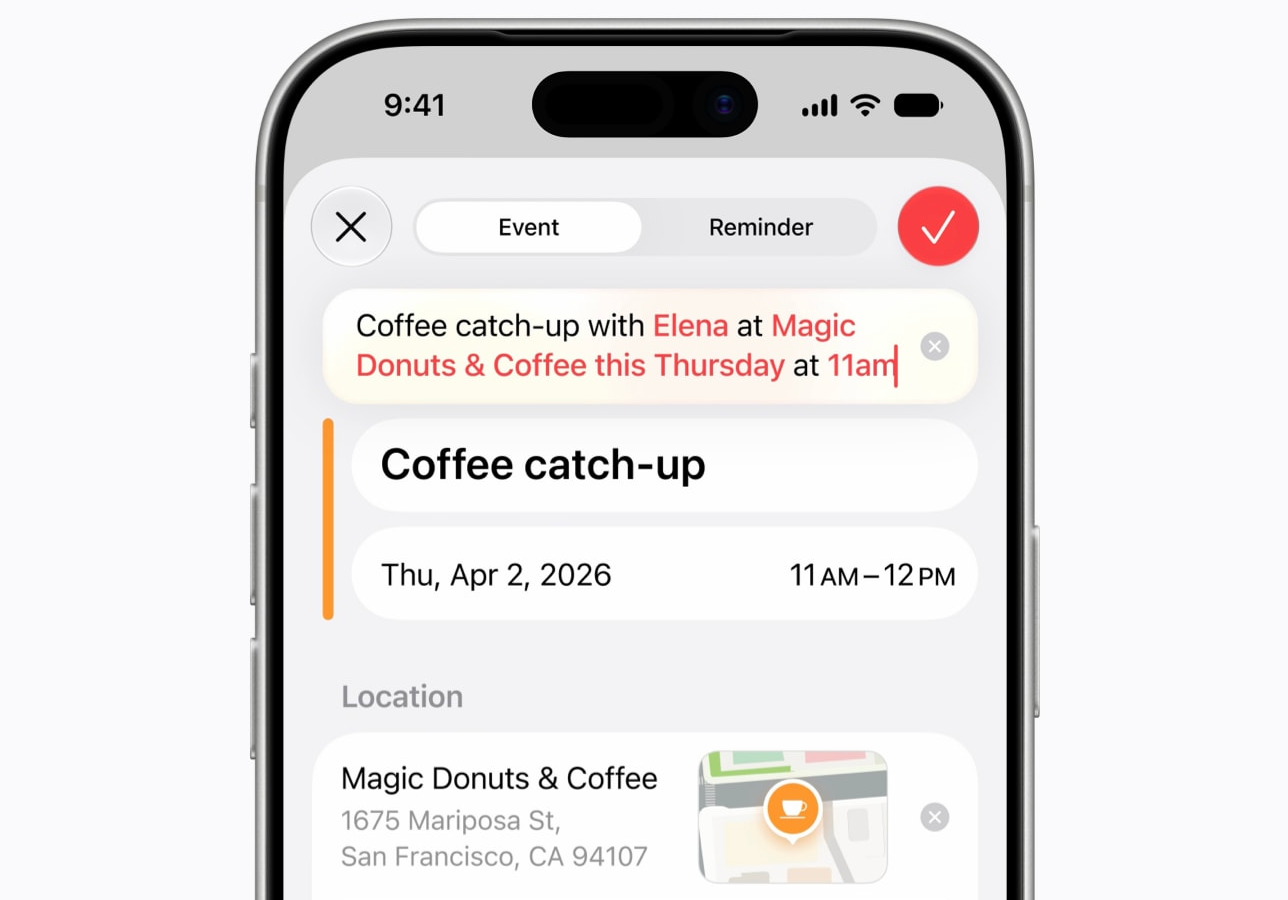
- Use natural language to describe a calendar event, including adding people, times, location, and duration. Events can be changed with natural language too
- (Reminders is also getting this same natural language input)
Music
- AutoMix will be on tvOS and HomePod
- More language support for lyric translation
Photos
- New AI-editing tools. Supported devices will be able to use AI to extend photos, reframe them, and have better object removal
- iCloud Shared Albums will get full-resolution sharing, more file type support, emoji reactions, and improved activity feeds with visibility of activity per album
Screen Time
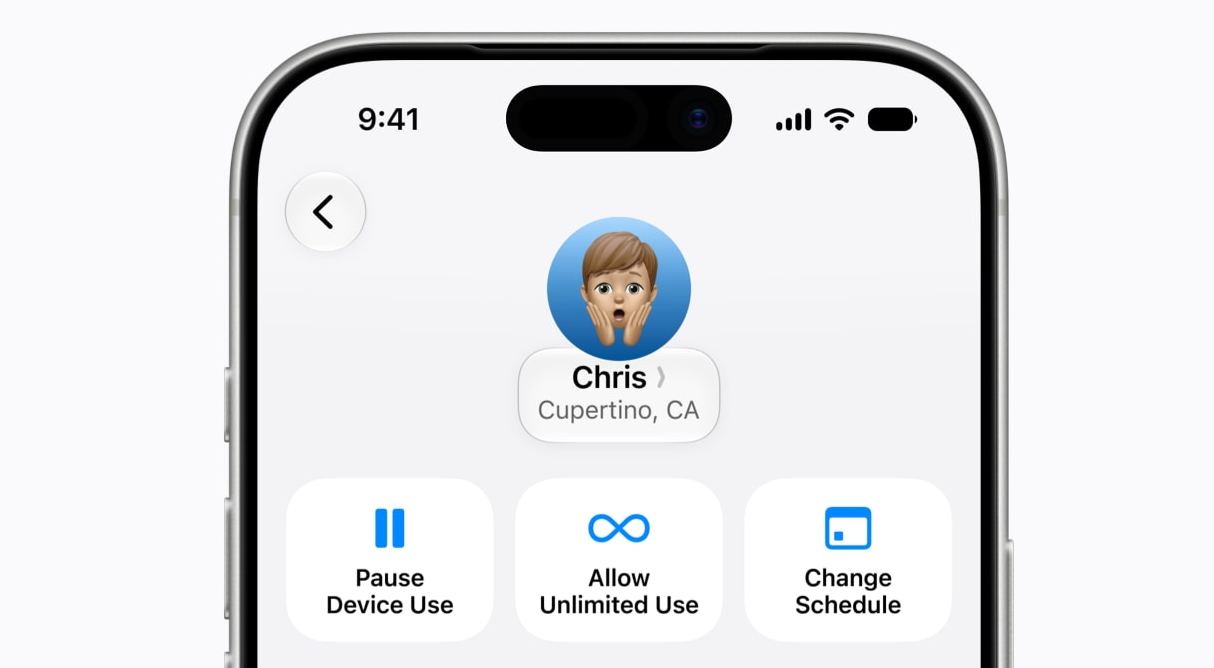
- New "pause all" button to stop activity on a child's device and help them take a break
- New ways for kids to "Ask to browse" for a website and "Ask to connect" for new contacts
- Time allowances for types of apps, like entertainment or games
Wallet
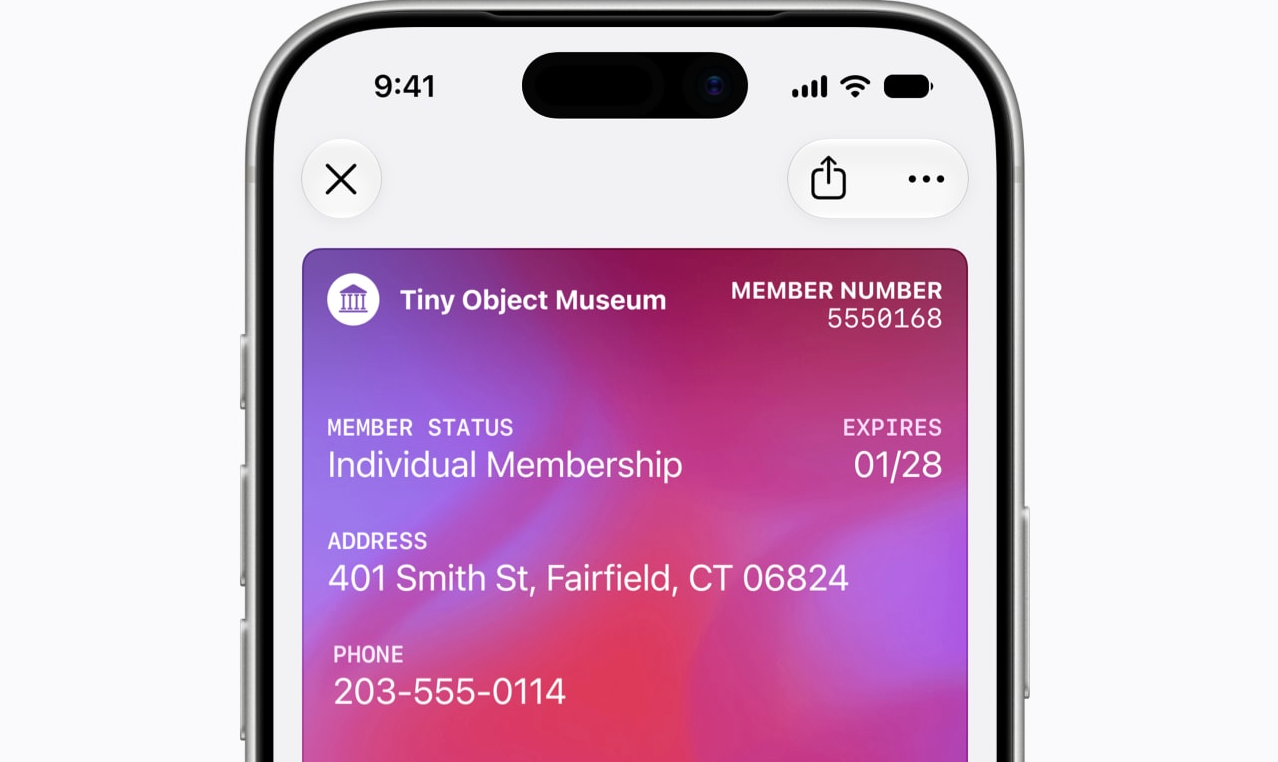
- Buying with Apple Pay will have a new updated design for online and in-app checkouts
- iPhone and Apple Watch can create passes in Apple Wallet from any physical card or ticket
- Split bills using Apple Cash and Apple Intelligence
Maps

- Enhanced Flyover experiences, with new imagery
- Local Lists in Maps (U.S.) will surface locally relevant collections of places
Find My
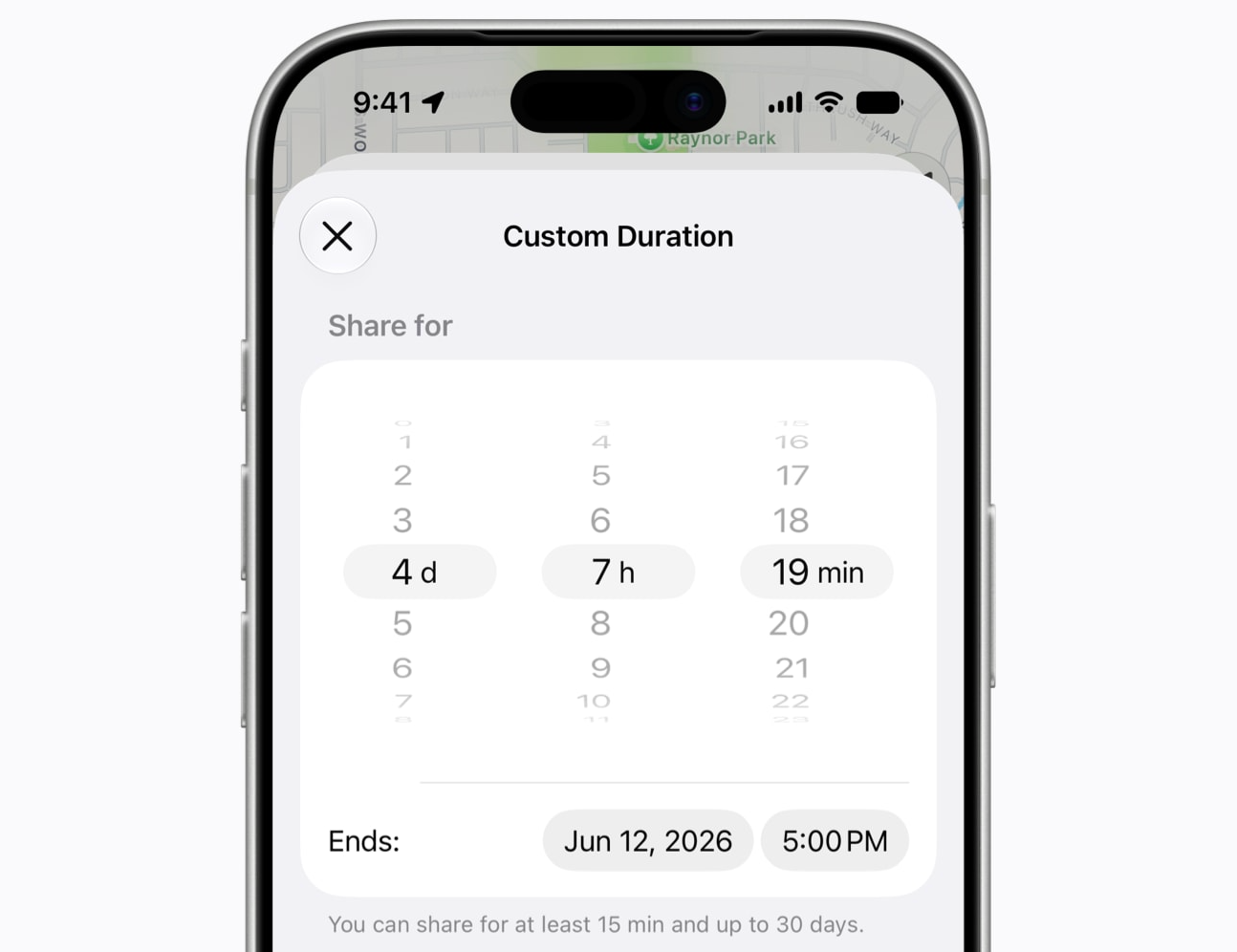
- Find My will now allow for custom duration of sharing location with people, in minutes, hours, or days. You’ll also be able to set a time to stop sharing
- New Find My app on Apple Watch, which replaces the three separate Find Devices, Find Items, and Find People apps
Apple Watch
- Siri app will be on watchOS and will sync with iPhone, iPad, Mac, and Apple Vision Pro
- New dynamic app grid on Apple Watch when pressing the Digital Crown. This will include six suggested apps
- Workout Buddy works without a nearby iPhone
- Workout Buddy adds support for pace progress, distance, and workout duration
- New Smart Stack widgets for things like parked car location, Siri app, and pinned messages
- Redesigned settings
Apple Health
- Redesigned Apple Health app for better browsing
- Cycle Tracking adds support for perimenopause and menopause
General
- Image Playground wallpaper creation
- Apple Podcasts in tvOS
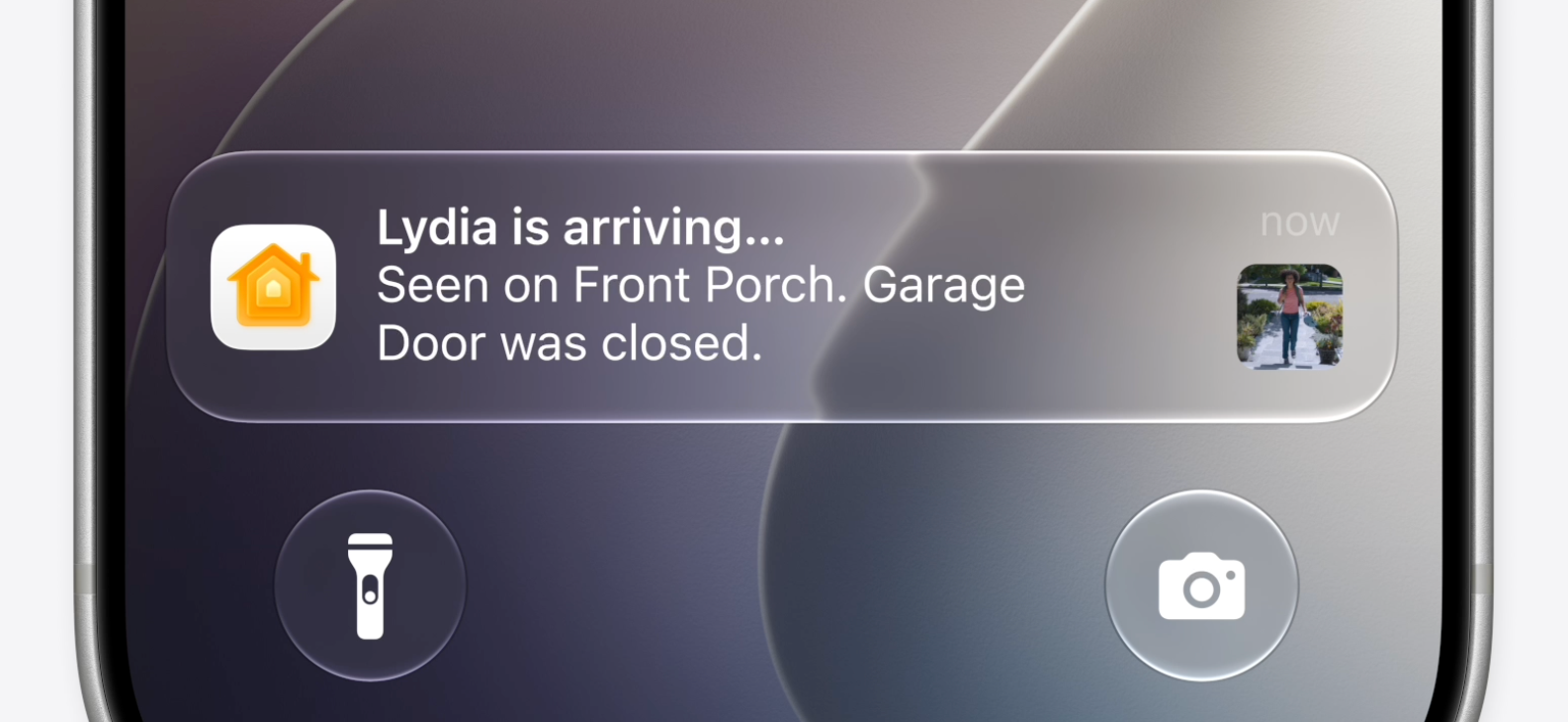
- Reduced notifications for the Home app. Apple Intelligence will combine related activities from a doorbell camera, smart lock, and other devices, all capturing the same event.
- Custom EQ for AirPods
- New device recovery mode in iOS 27