
Yes, this desk mat has an adjustable wireless charging stand and it's as cool as it seems
Hands-on with the Journey ALTI Lift Wireless Charging Desk Mat. An elegant charging solution.

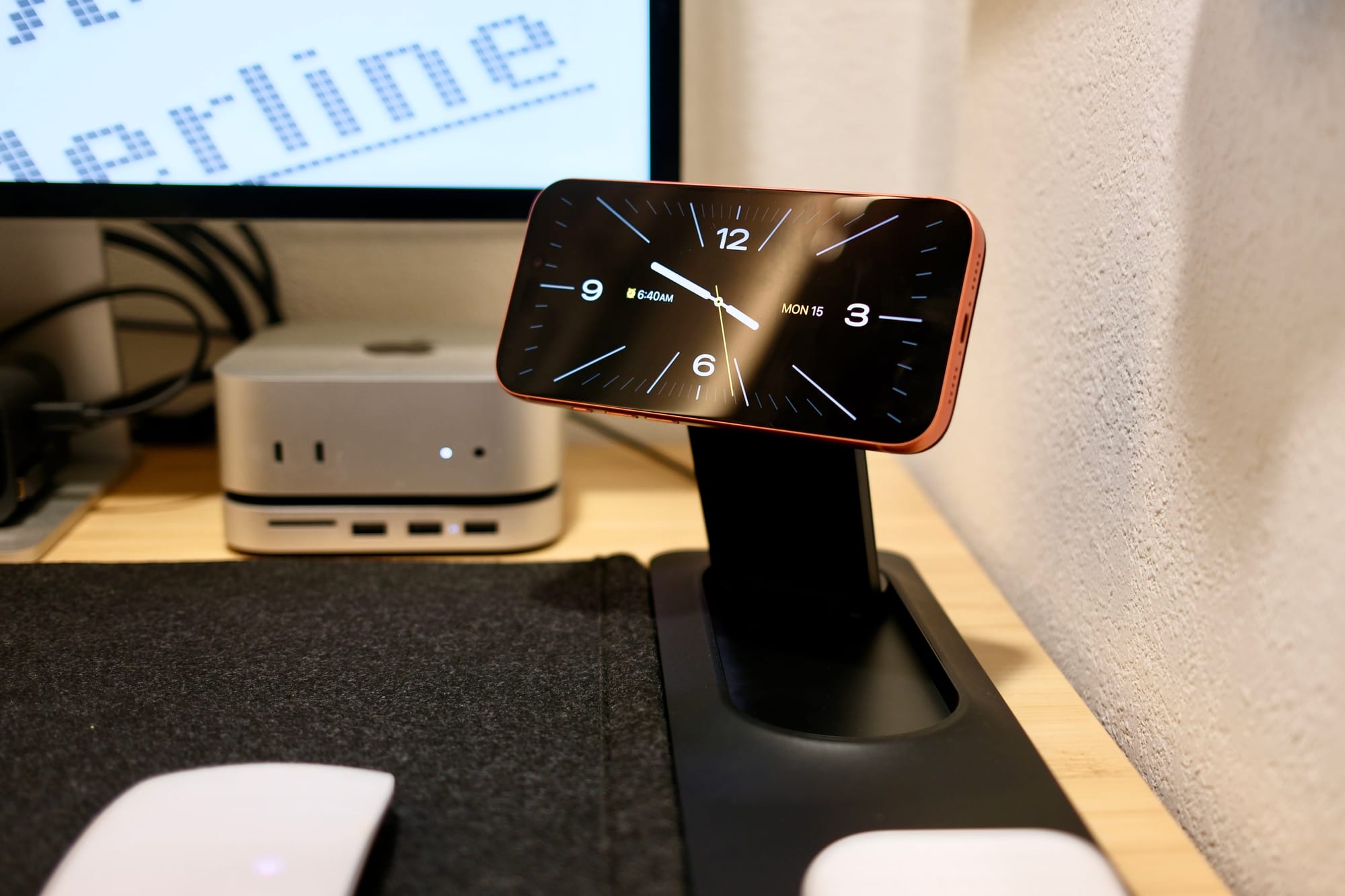
Desk mats have become increasingly popular as people combine their mouse pads and protection for their desktop surfaces. In the latest instance of convergence, the Journey ALTI Lift wireless charging desk mat adds an adjustable Qi charger so it’s there when you need it and out of the way when you don’t.
I reviewed the original ALTI wireless charging desk mat for Newsweek when it first came out. That one was a neat concept, but ultimately, it made using your phone at your desk a pain. This new version fixes a lot of the first one’s problems. There are a few things to consider with the ALTI Lift, but overall, it’s a solid product.
The ATLI Lift is a good desk mat
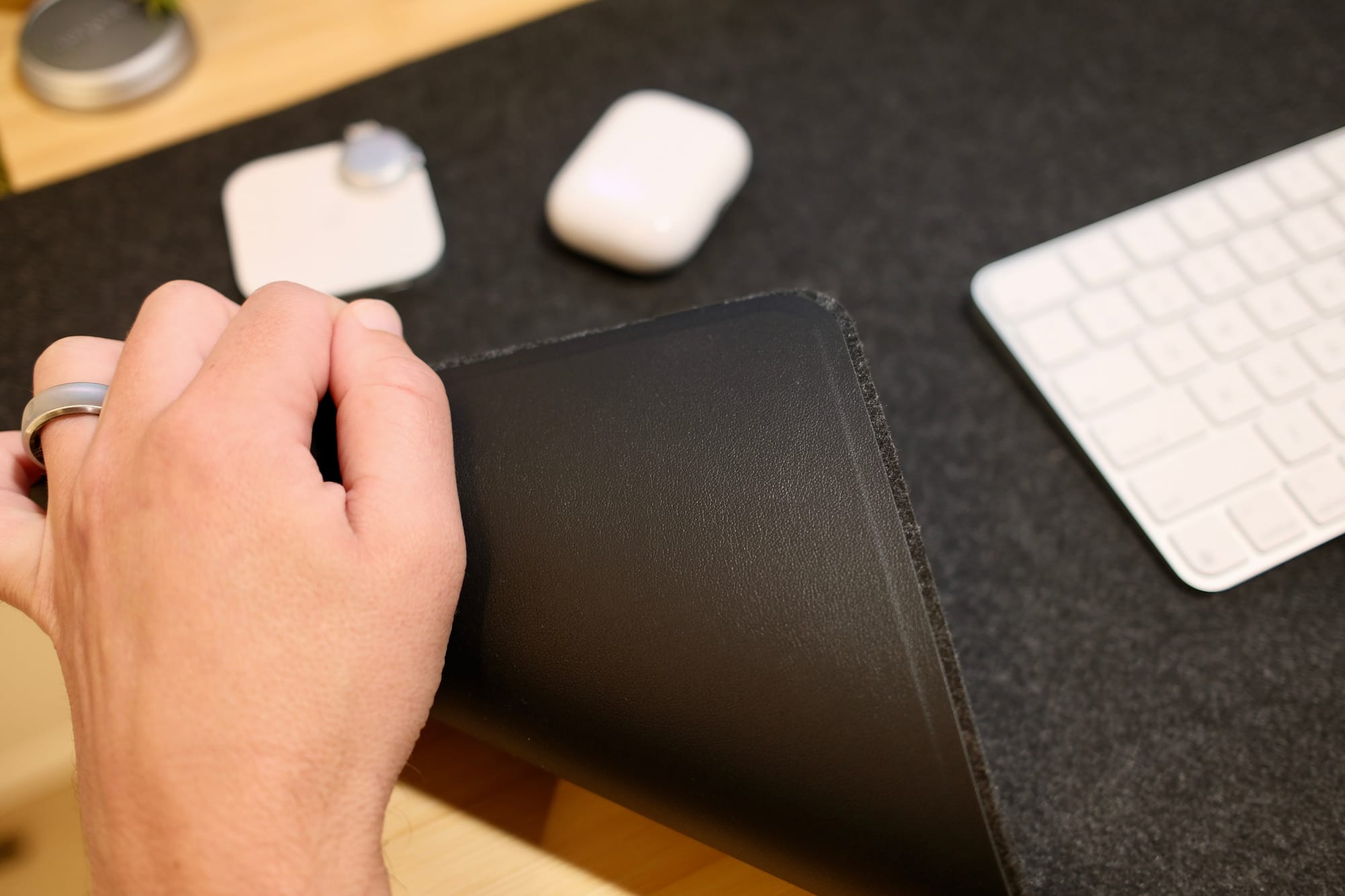
The adjustable Qi2 wireless charging stand is the standout feature for the ALTI Lift, but first and foremost, it’s a good desk mat.
The mat is reversible with vegan leather on one side and a matching-colored felt on the other side. The two sides split open to store papers. The whole thing is a clever design, especially when you add in the charger portion of it.
Importantly, the charger isn’t built into the mat. It magnetically attaches to the side of it. Turning the mat over and rotating it means that the charger can magnetically attach to either side and be on the left or right of your desk.
As a change of pace, I’ve been using the felt side up. It’s plenty thick with a 4mm height. That’s enough cushion beneath my keyboard to change the feel of typing and dampen the sound—something I didn’t know I wanted. It makes typing quieter.
A pop-up wireless charging stand isn’t the sole feature
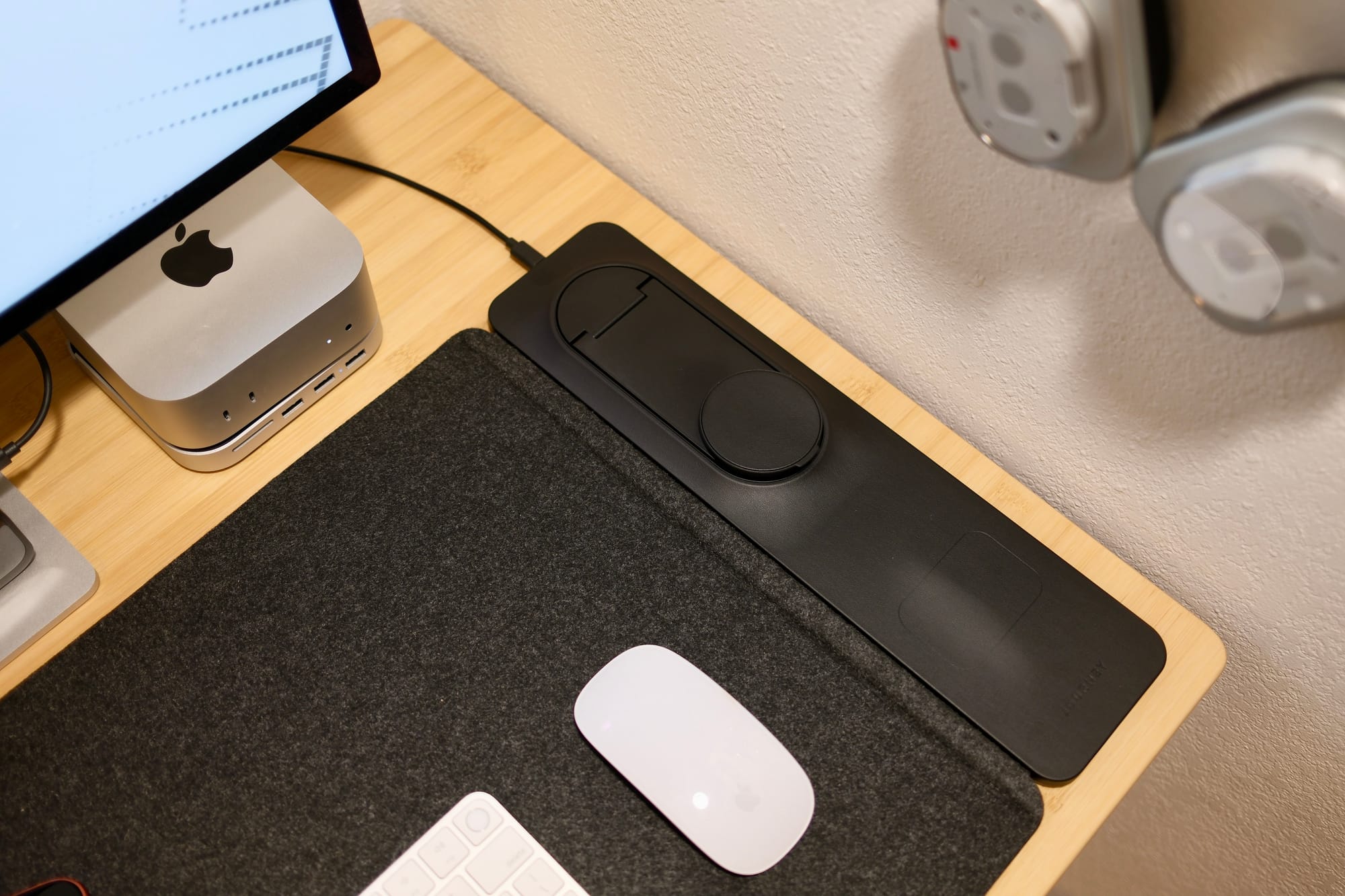
The wireless charging stand on the ALTI Lift features Qi2, meaning it can provide up to 15 watts of power. You can use it lying flat, but that’s not fun. The plastic stand hinges up to 90 degrees, with the charging circle bending in either direction, as well as the base being able to spin 180 degrees either left or right—360 degrees in total.
I’ve found the stand to be perfectly adjustable. It has enough movement to it without being unwieldy or gangly. Usually, I keep it angled towards me and then rotate the iPhone horizontally to put it in StandBy mode. Then I can have big widgets within arm’s reach.
The standing portion may be noticeable, but there’s actually a second wireless charger on the product. A faint rectangle outline shows where another 5W Qi charging spot is, just beneath the stand. This is meant for powering AirPods or other wireless earbuds.
While that second spot isn’t necessary, it is handy. The design is subtle, and there’s no indent. If you don’t use it, you will forget about it.
The one caveat of needing to power your desk mat is that there will be a single, color-matched cable snaking off of it. I haven’t noticed or cared about that. But I can see how minimalists could be bothered. Journey did a good job of making the cable as unobtrusive as possible, but you’ll still see it.
Is the Journey ALTI Lift worth spending money on?
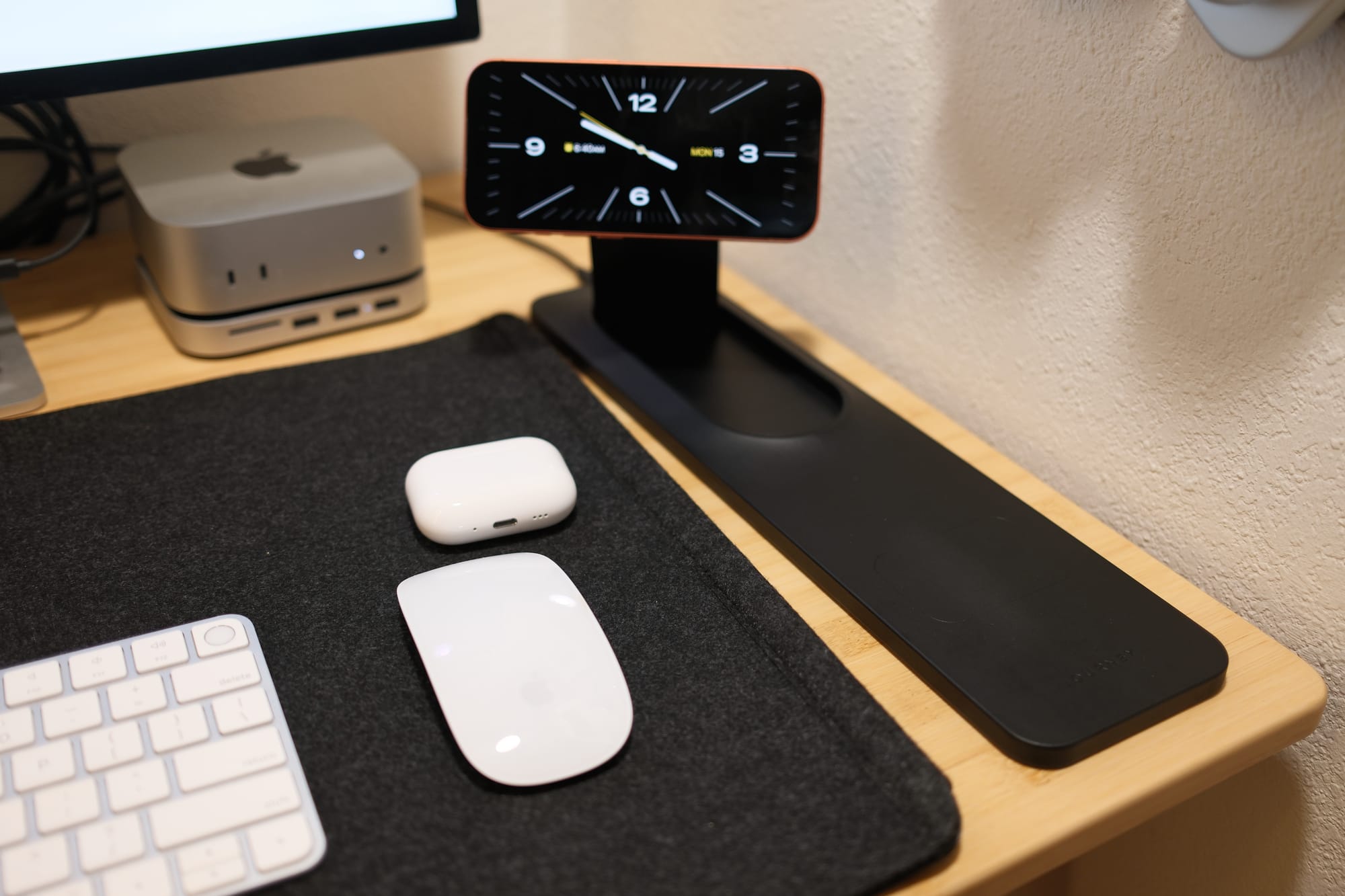
The Journey ALTI Lift retails for $150, a hefty premium over a wireless charger and a cheap desk mat purchased separately. It’s a steep price in terms of raw value. People on a tight budget can find alternatives to this desk setup.
However, it’s hard to beat the cool factor here. The ALTI Lift looks sleek, has a professional design, and works well. For people at their desks all day, this might be a worthy splurge. And for people away from their desks, Journey has a portable version.