
This smart lock knows how fast you're approaching and can unlock automatically
Hands-on with the Aqara UWB Smart Lock U400, which is the first with ultra-wideband and includes Matter support.

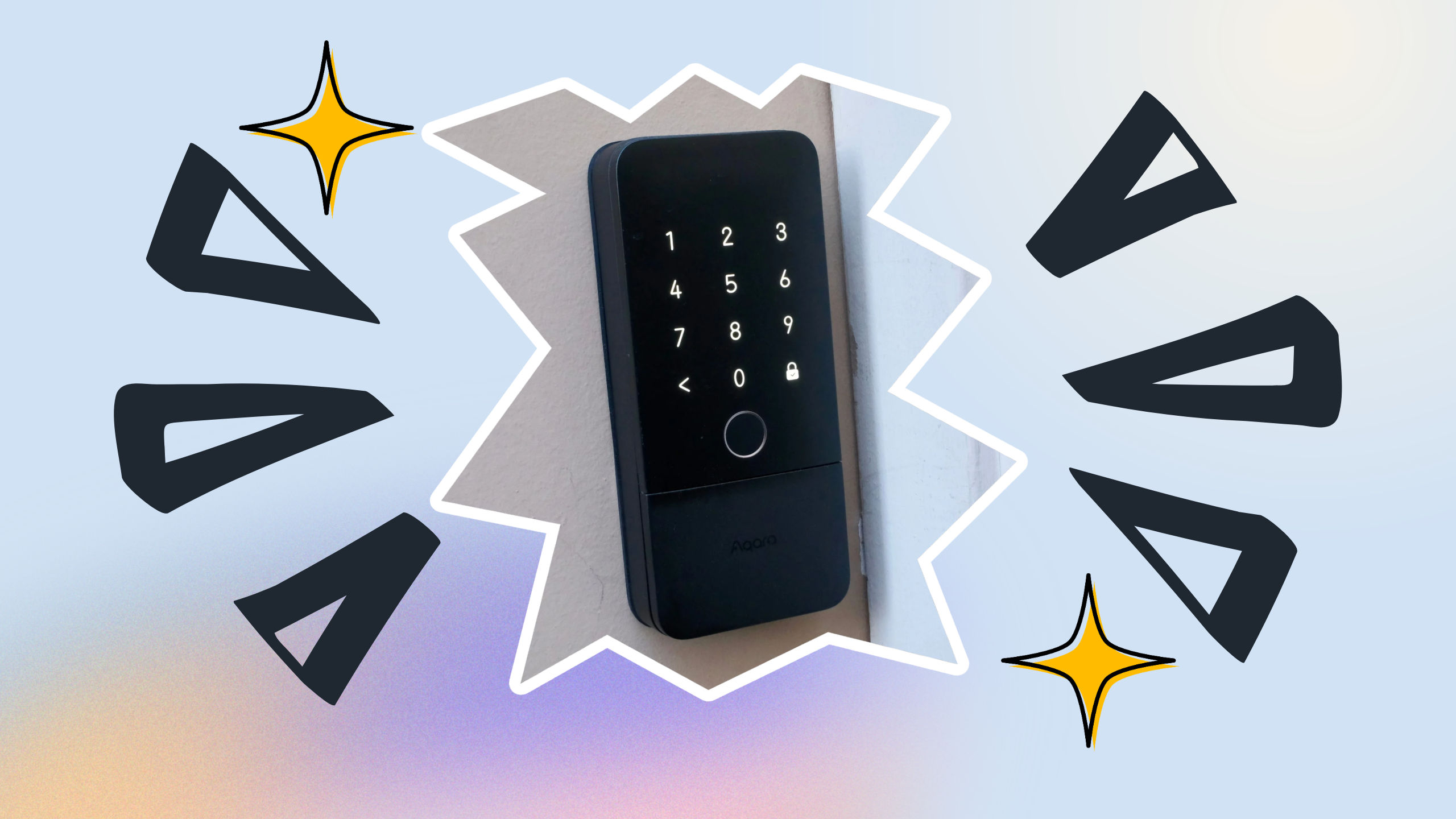
Buying a smart lock with all the features you want and a design that works with your home can be tricky. The Aqara UWB Smart Lock U400 nails all the connectivity and unlocking smarts you’d want, plus its minimal black (or silver) aesthetic should suit most homes. It’s the whole package.
The real reason to consider the U400 is that it’s currently the most advanced smart lock on the market, which should also make it the most convenient. The inclusion of ultra-wideband (UWB) means that it can sense you as you approach and unlock automatically, hands-free. There’s no waiting for Bluetooth anymore.
In my testing, I’ve found the lock to be a great evolution of Apple’s tap-to-unlock home key. But if you want to use an ol’ fashion physical key, you can do that too. The Aqara U400 is the best smart lock at the moment and the one to buy if it fits your budget.
The U400 smart lock has a lot of security features
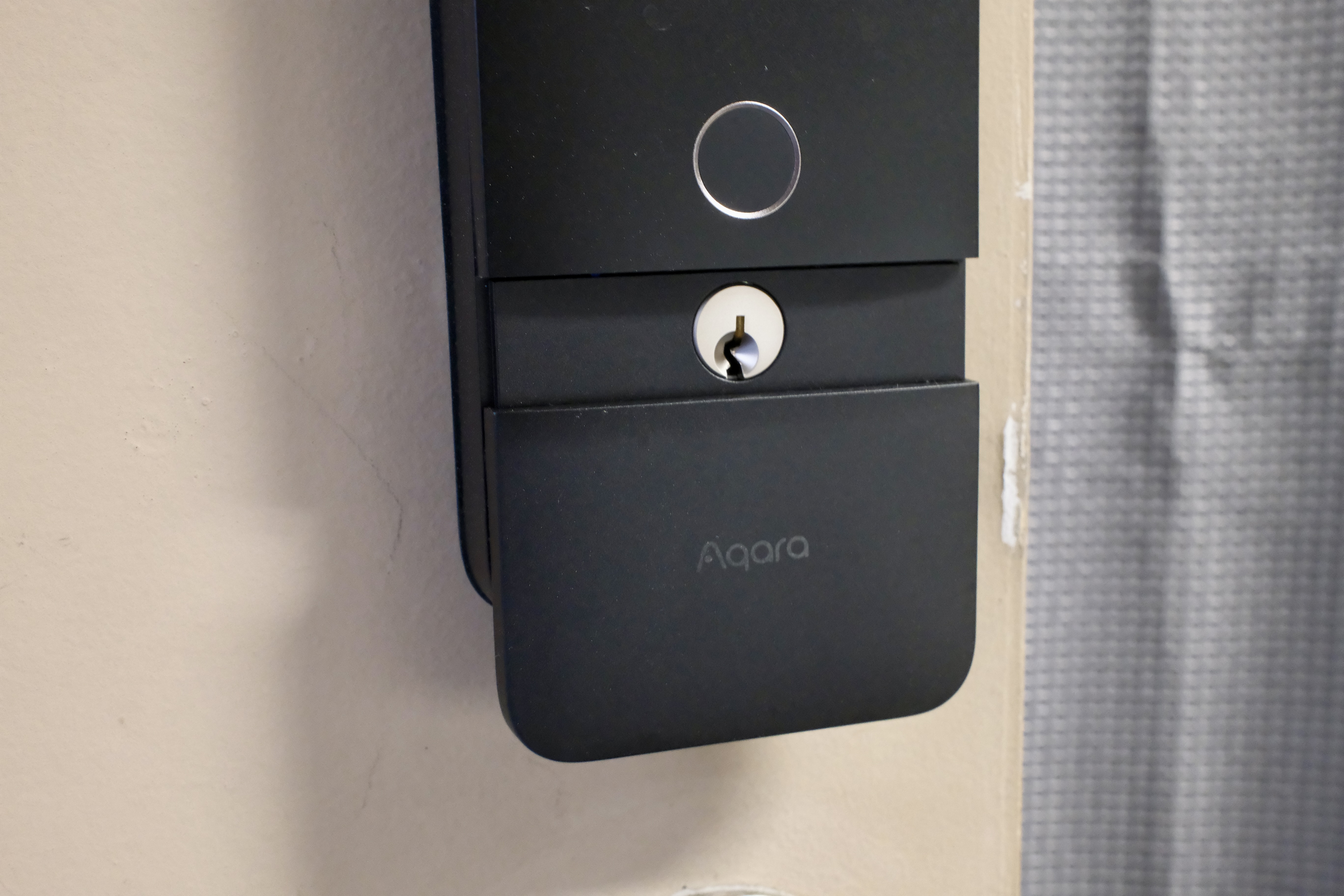
For people who want options, the U400 can be opened and locked using a numeric code, fingerprint, physical key, or tap from an iPhone or Apple Watch. You can also grant people limited-time access using a code through Apple’s Home app.
Thanks to Matter, you can add the lock to your smart home through Apple, Google, or Amazon’s platforms. You’ll need a Thread-enabled hub like an Apple TV 4K or HomePod mini for the full connected experience.
While you can tap to unlock, UWB is the real treat. The feature uses Time-of-Flight distance measurement and angle detection. That means it knows how fast you, with your phone, are coming towards the lock. If you’re running up to it, for example, it will unlock faster. It can detect whether you’re coming from the side or head-on. Inside the Home app, you can disable any of the angles, in case one would be a security risk.
The fingerprint sensor is a delightful alternative to the number pad. In my usage, the sensor was responsive. In some cases, it was so fast that if I misplaced my finger, it was already letting me know that I needed to try again as I was in the process of repositioning it.
A sliding door hides the physical keyhole. Having this backup method is nice, but it also likely adds a bit of bulk to the lock that it wouldn’t have if it weren’t there.
The other features of the U400 smart lock
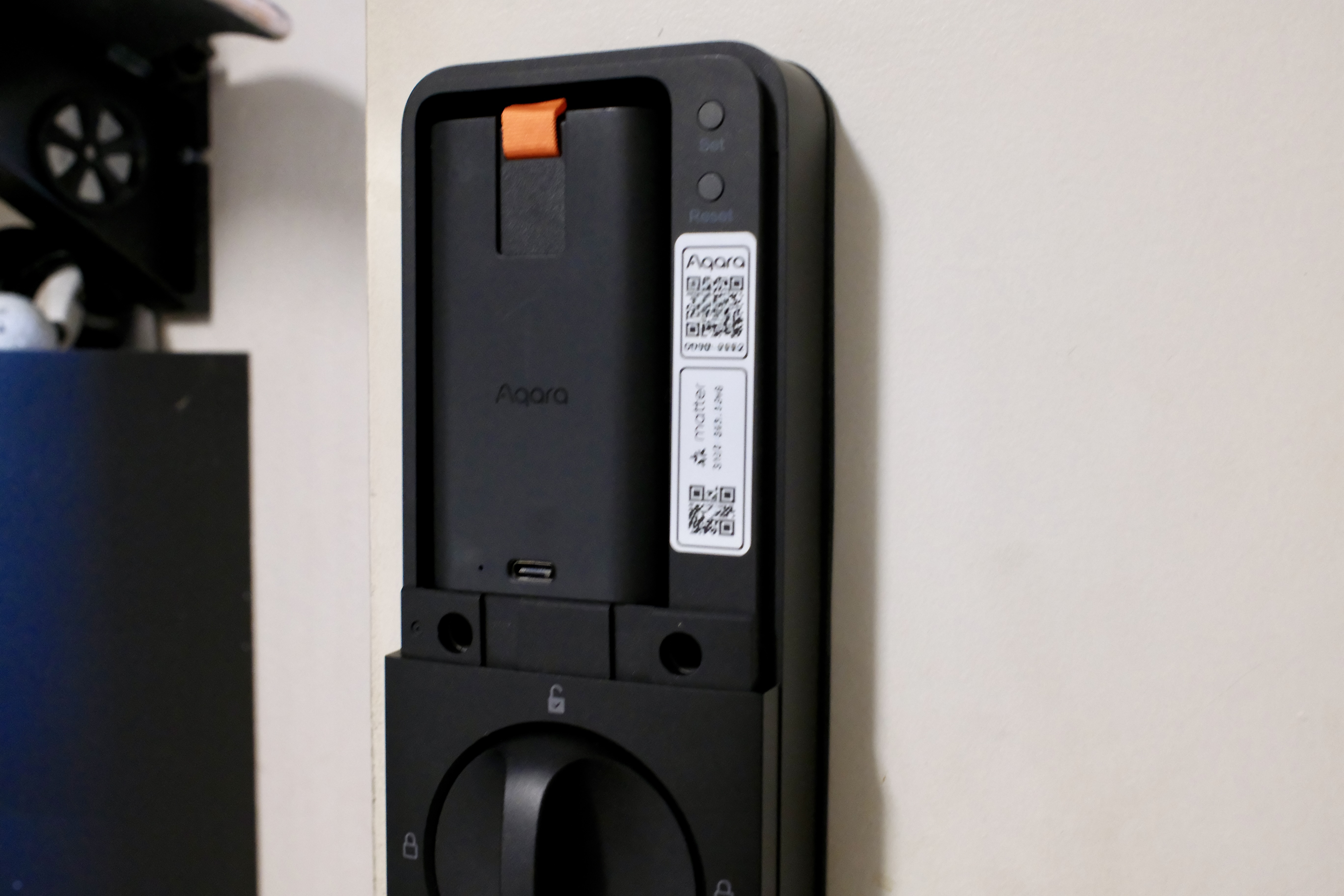
Most of the features of this smart lock revolve around securing or unsecuring it. But it’s worth mentioning the battery that powers everything. You can slide up the back cover to reveal the removable battery and expose the USB-C port. Importantly, the charging port can be used while the battery is in the lock, so it never needs to go offline.
If you’d rather not string a cable from an AC outlet to the lock, you can pull the battery out and recharge it anywhere. As much as I’ve liked the Level Lock and Schlage Encode Plus, having to buy new batteries every three to six months is tiresome.
The lock will let you know when it gets down to 20% battery life remaining. This should help remind you to charge it. I’m still gauging how long the battery life will last in the place I have it, which is used between one and four times per day. So far, it’s provided over a month of battery life with around a 15% decrease, which is very close to the estimates.
If you’ve never had a smart lock and are worried about being locked out, the U400 has a hidden USB-C port underneath that you can connect a power bank or other charger to to give it enough power to get inside.
Using a built-in gyroscope, the U400 can detect when the door closes, which means it can handle auto-locking without a separate sensor.
In terms of installation, if you’ve put a new lock on any of your doors before, the U400 should only take about 10 to 15 minutes. There are instructions in the Aqara app and in the box.
Is the Aqara UWB Smart Lock U400 worth buying?
The Aqara UWB Smart Lock U400 has very few faults. It’s a little chunky, some people might prefer a color other than black or silver, and the $270 retail price is a bit steep, but other than those considerations, the U400 is an ideal choice for anyone in the Apple ecosystem using the company’s Home app.
There isn’t a shortage of ways to use the lock, including its cutting-edge UWB connectivity. Even the rechargeable battery makes the product much better than some of the other choices on the market. If you’re running an Airbnb, there might be better choices for connecting through rental services, but short of that and the lock’s premium pricing, it’s a great choice for nearly all consumers.