
I don’t want AI doing my job. But I might let it handle my to-do list
Town is a service that doesn’t replace the creative work I do, but it can quietly take care of the tedious tasks that keep piling up.

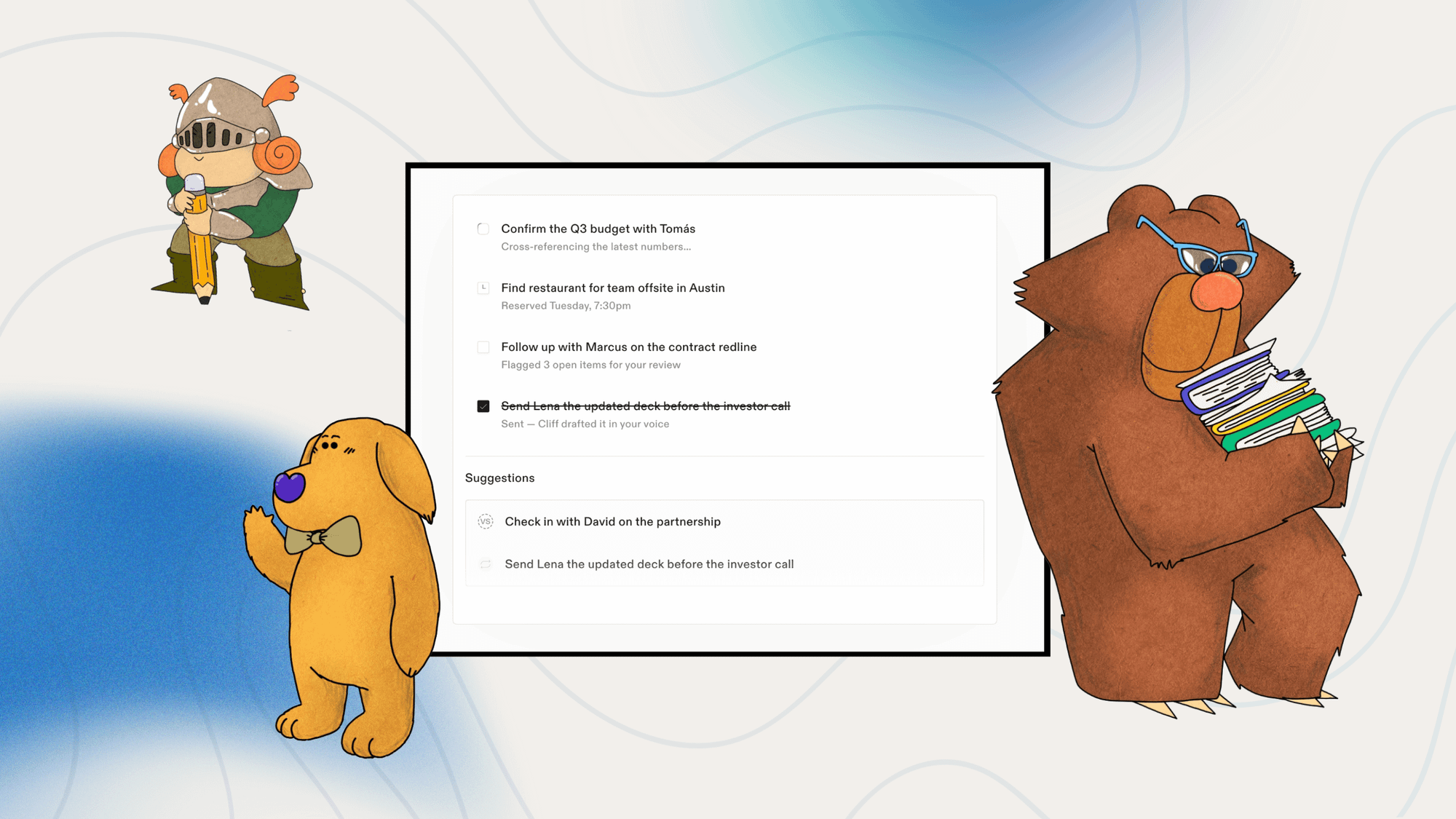
In a sea of AI waste, Town is the first artificial intelligence tool that’s made me take notice. The company bills itself more broadly as an AI assistant, which isn’t special in light of Siri, Alexa, and Gemini. However, I see Town primarily as a dedicated to-do list that’s constantly working on my mundane tasks.
As an independent content creator and technology writer with more than a decade of experience, I refuse to let AI write or create for me. But I do need help with the smaller, miscellaneous items.
So, I can add generic tasks like “grab shopping links for these 5 products” or “create an itinerary for my trip with details of product embargo times included,” and Town will work on those to-dos in the background.
Then, combined with my hands-on time, briefings, and other work, those to-dos are ready when I am.
Town isn’t a perfect tool. It has at least a few big caveats—access and price being some. But Town has positioned itself differently enough that it may convince people they need a to-do list that’s working when they're not.
Why an AI to-do list is actually powerful
An AI-powered to-do list might not be all that different from opening the ChatGPT or Gemini apps and giving them tasks to crank on. But putting AI technology behind the visual bullet points of a task manager does make it quite different in perception.
For me, it’s two-fold. I get to clear my mind of some of the mundane, basic tasks by adding them to a list. But I also get the superpower of having those things done for me. Things like updating image file names, metadata get sorted, and embargo dates confirmed. Those non-creative, administrative things increasingly take up a lot of time.
So, having Town crank on those to-dos behind the scenes adds a little extra time to my schedule that I can use to work on things like this—writing about Town.
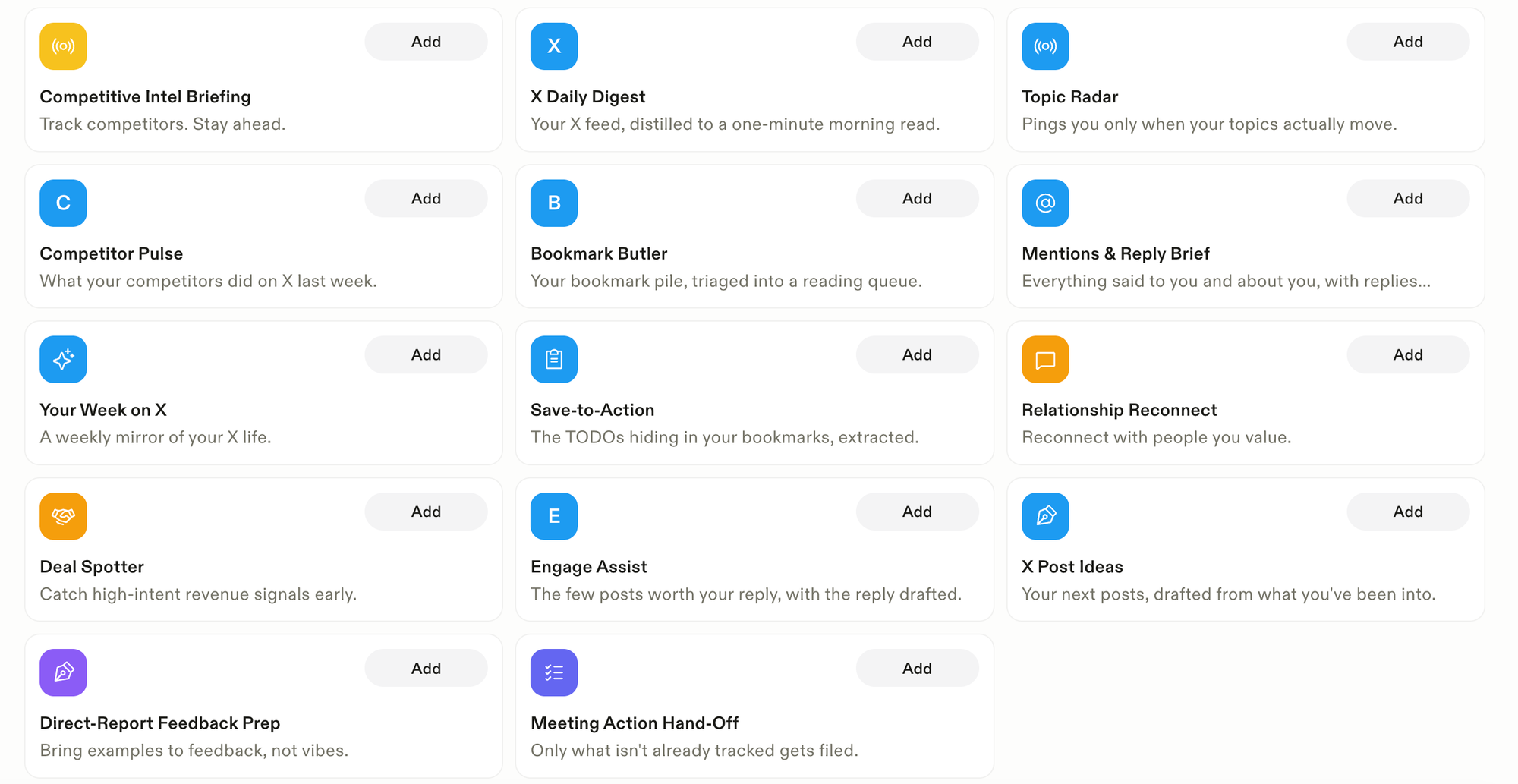
The image above shows some of the pre-built tasks that Town can do out of the box. But those are just ideas to get you started. You can create pretty much anything. As a touch of whimsy, Town uses cartoon Townies.
Going beyond a to-do list
The AI-powered to-do list is front and center, but it isn’t the only productivity tool. The other interesting piece of Town to me is its wiki creation. As it assists with email and tasks, it begins to learn what you do, who you work with, and how you get things done. It takes this information and creates a wiki with it.
I’m guessing that a lot of AI-powered tools do something similar, but almost none of them seem to expose all that information to you, the user.
At first, it’s a little morbid, looking at an obituary-style collection of information about yourself. Seeing a computer nail your “Communication Style” and “Work Patterns” can be off-putting.
But there were parts I liked, specifically the Projects portion. It automatically grouped information about the different stories I was working on and included people, dates, and the scope. It’s a good way to get an overview of my work commitments without doing extra work.
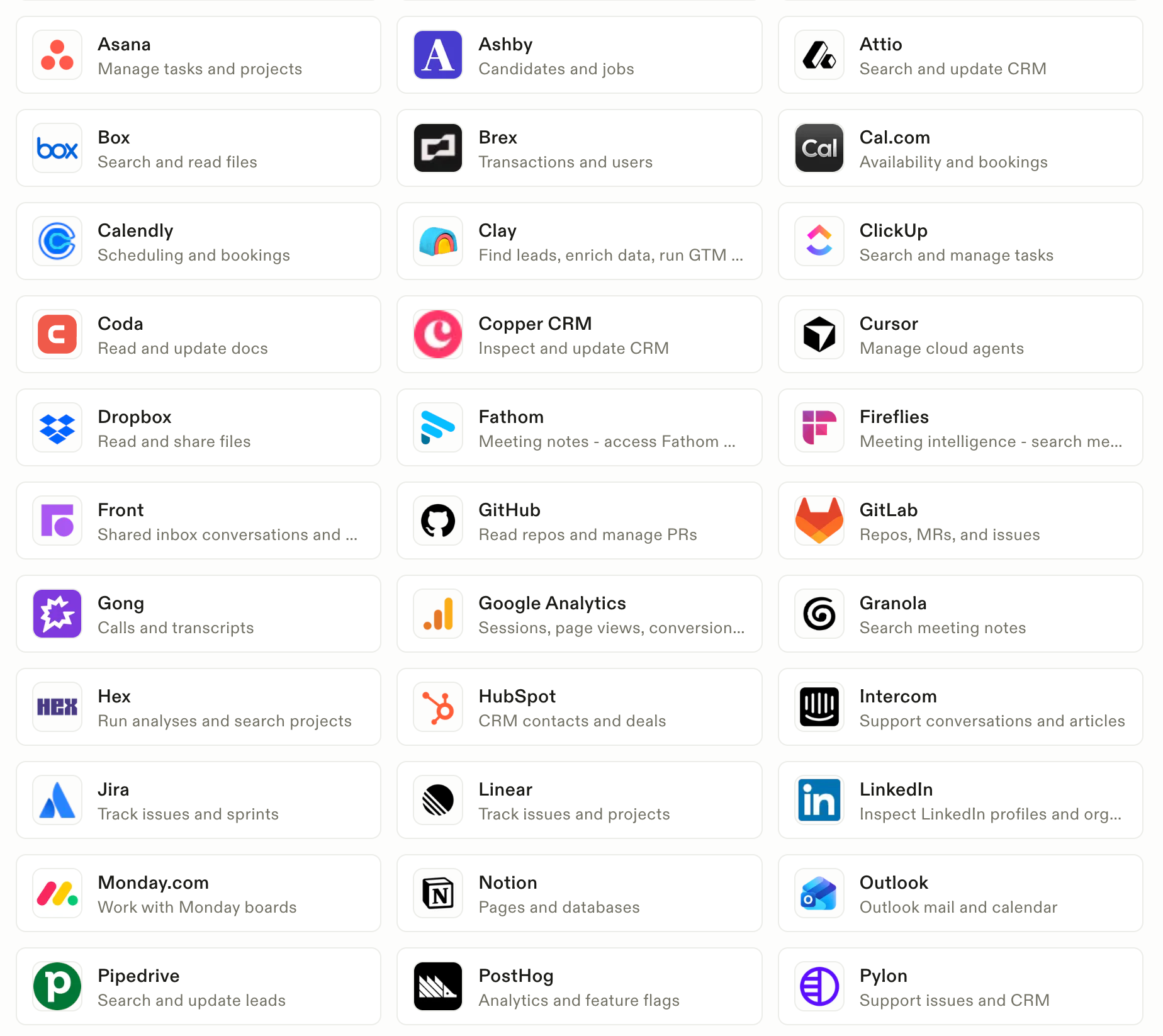
As an independent creator, the integrations haven't been for me, at least not yet. But there are dozens of apps and services that Town can connect to. So, if you add to-dos for Slack, YouTube analytics, QuickBooks, or other things, it will be able to automate those tasks.
There are plenty of caveats for AI tools
The obvious items to note are that Town isn’t free and it needs access to your Google account, for starters.
The pricing model is a little complicated if you ask me. Basically, you buy credits per month, and those credits are used on all the tasks you want to do. There’s a graph in the app’s settings showing how many credits the different types of work “cost.”
If you opt for the free tier, then you get 30 chats per month. But you lose access to most everything else, including the integrations. The prices range from $15 to $200 per month. This might shock some people, but for anyone who’s coded with Codex or Claude, it will seem familiar.
You do need to be comfortable signing into your other accounts through Town. From what I’ve seen, these are all done through approved APIs so you can disconnect the access at any point.
Is Town the next big hit?
I don’t know how much I’ll use Town going forward, primarily because of its costs. I’ve tried the trial of the premium plan, and now I’m on its free tier. I’ll need to see if I feel like I’m missing anything after a week or two.
But even if I don’t end up adding this tool to my workflow, it has changed how I look at the possibilities of varying types of AI productivity.
I refuse to let AI write for me, full stop. It won’t take that human element out of my work. Even though it’s already stolen from me and others to be able to get to where it’s at now.
As someone who covers technology, I can’t shun it entirely. But I can treat it like a calculator, though. It’s a computer, cranking on numbers, optimizing data. So, in that context, Town seems to be a pretty good tool.
@thisweekthetrend This Week The Trend features new gadgets. Follow along to get new videos regularly. #wirelessheadphones #smarthome #techtok #reviews
♬ original sound - ThisWeekTheTrend